Multi-project planning by the Pareto principle
All features
PARETAS follows a project through every phase. Each view below is a real picture from the program, filled with a made-up sample company
01
Plan
An idea becomes a plan with structure, team and budget
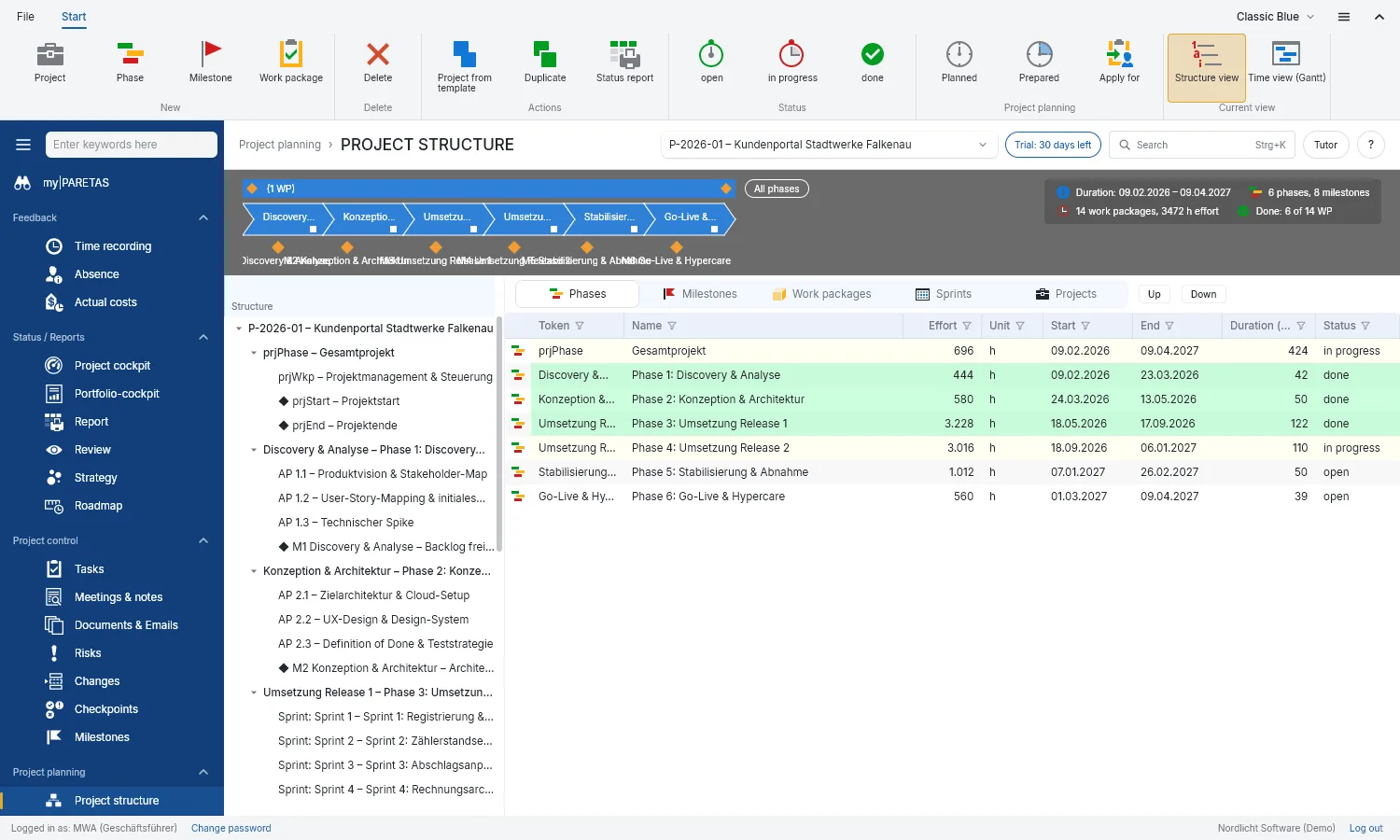
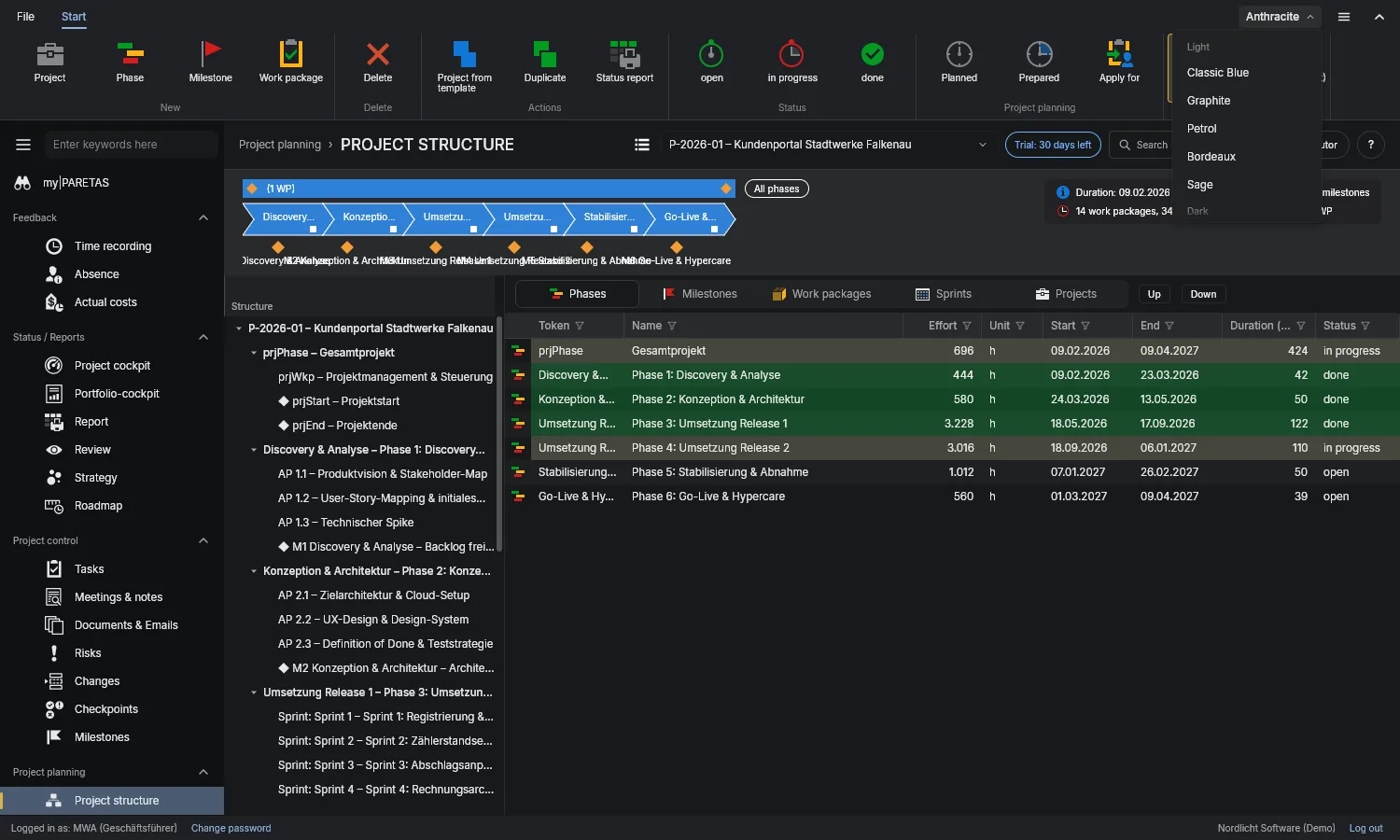
Project structure
Phases, milestones and work packages in one tree. The band above shows duration, effort and what is already done.
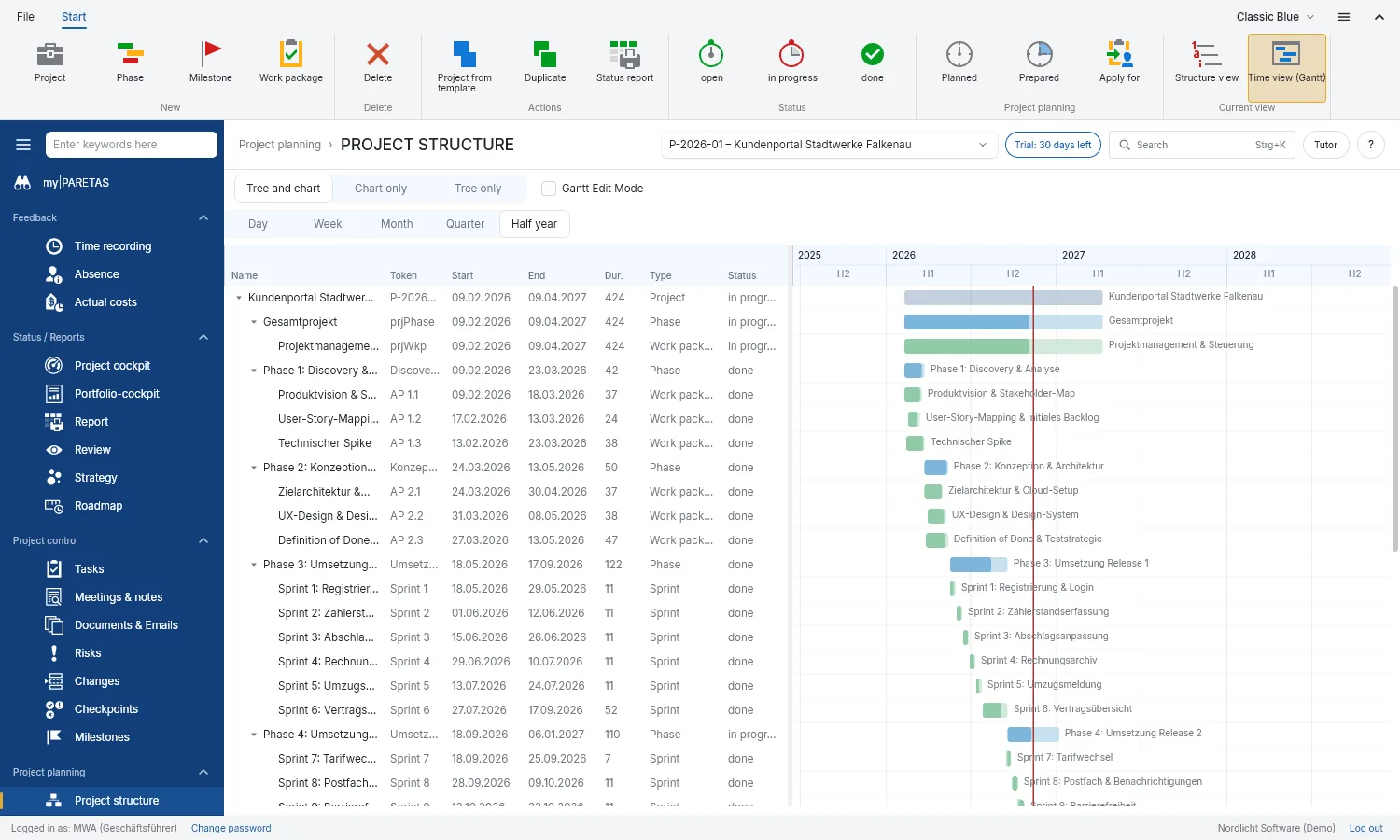
Timeline
The project as a bar chart with actual against plan. Whatever falls behind turns red.
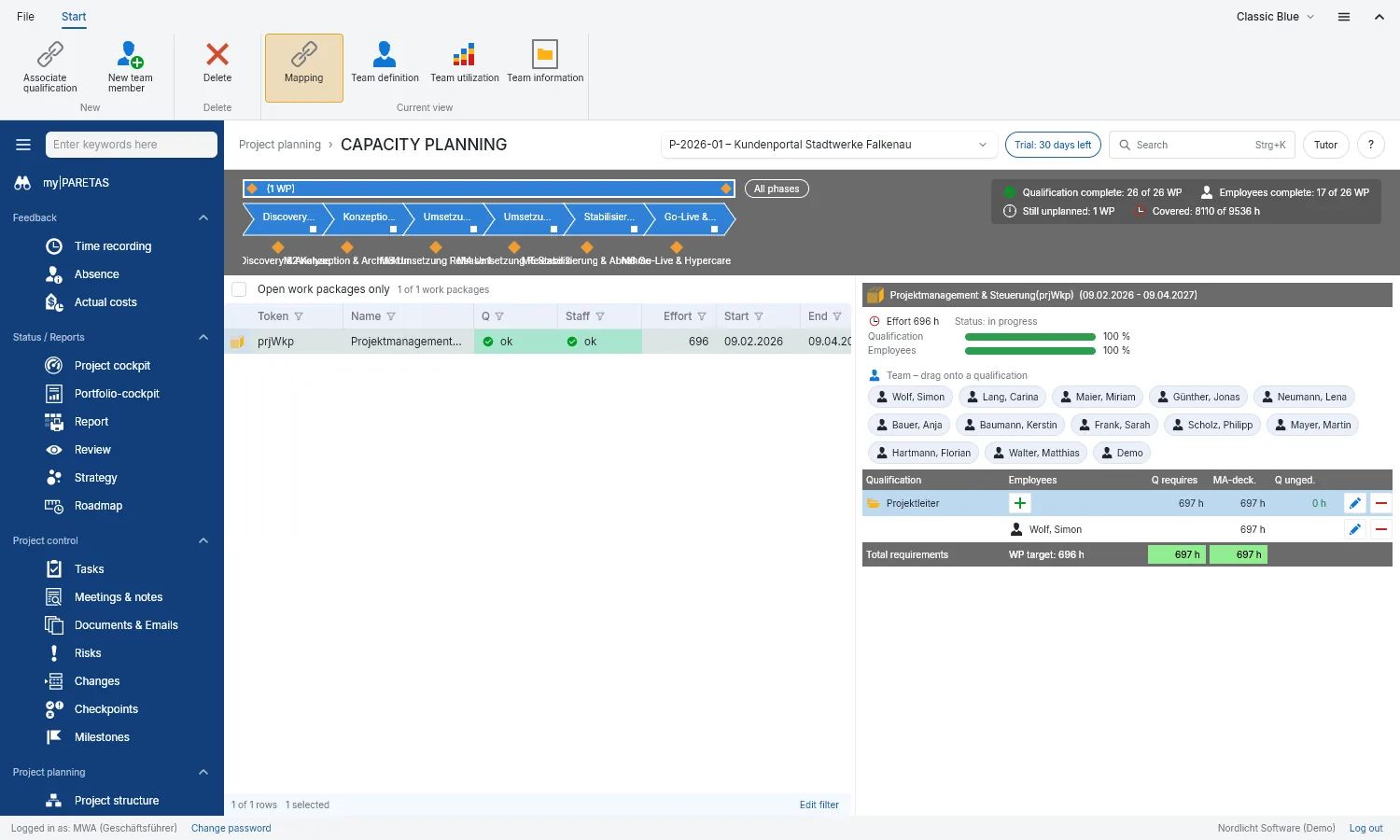
Capacity planning
Build the team, decide who each work package needs and assign people with the mouse.
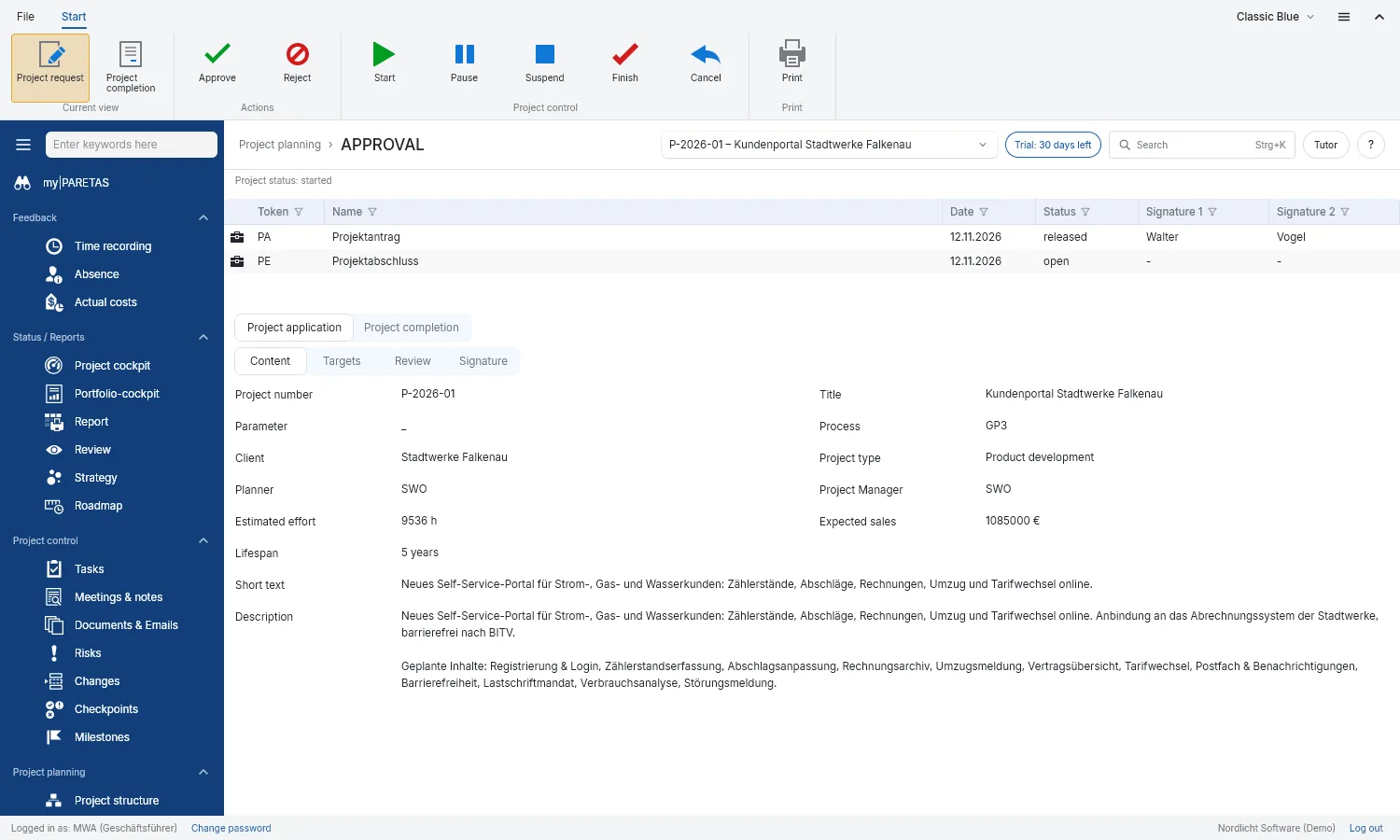
Approval
Write up project proposal and closure with goals, have two people sign off and print as PDF.
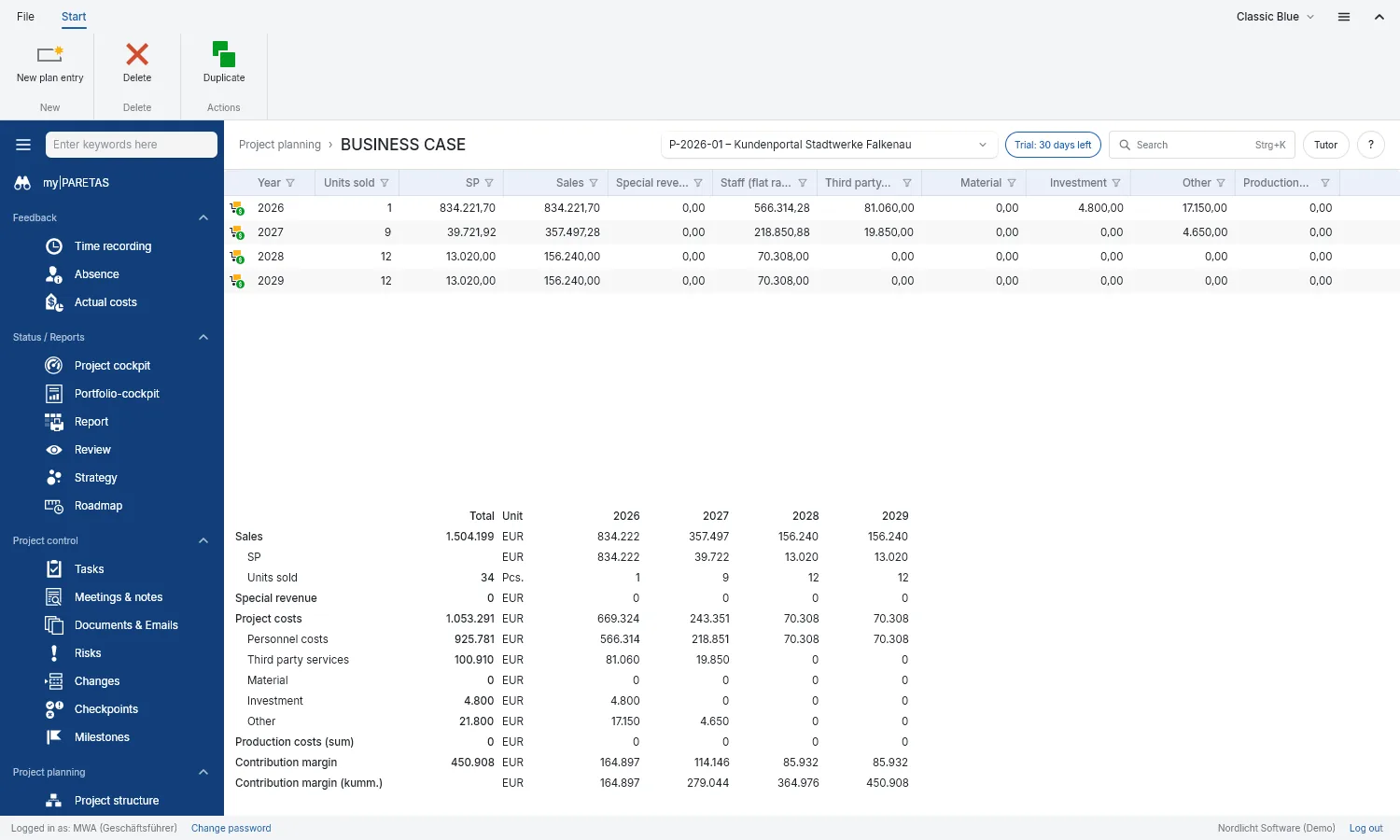
Business case
Plan sales, revenue and costs per year. PARETAS works out what is left at the bottom line.
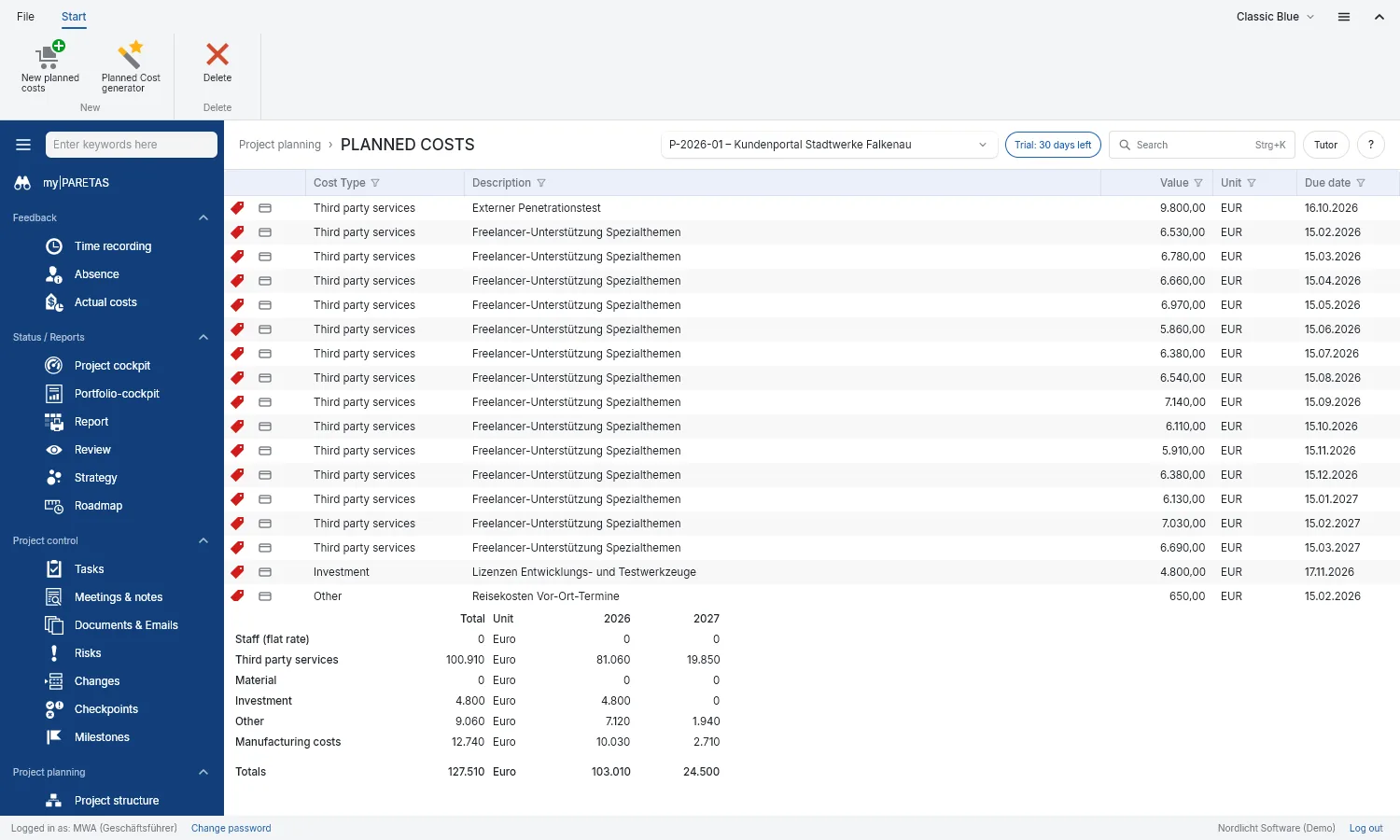
Planned costs
Planned costs by type and due date, summed up per year.
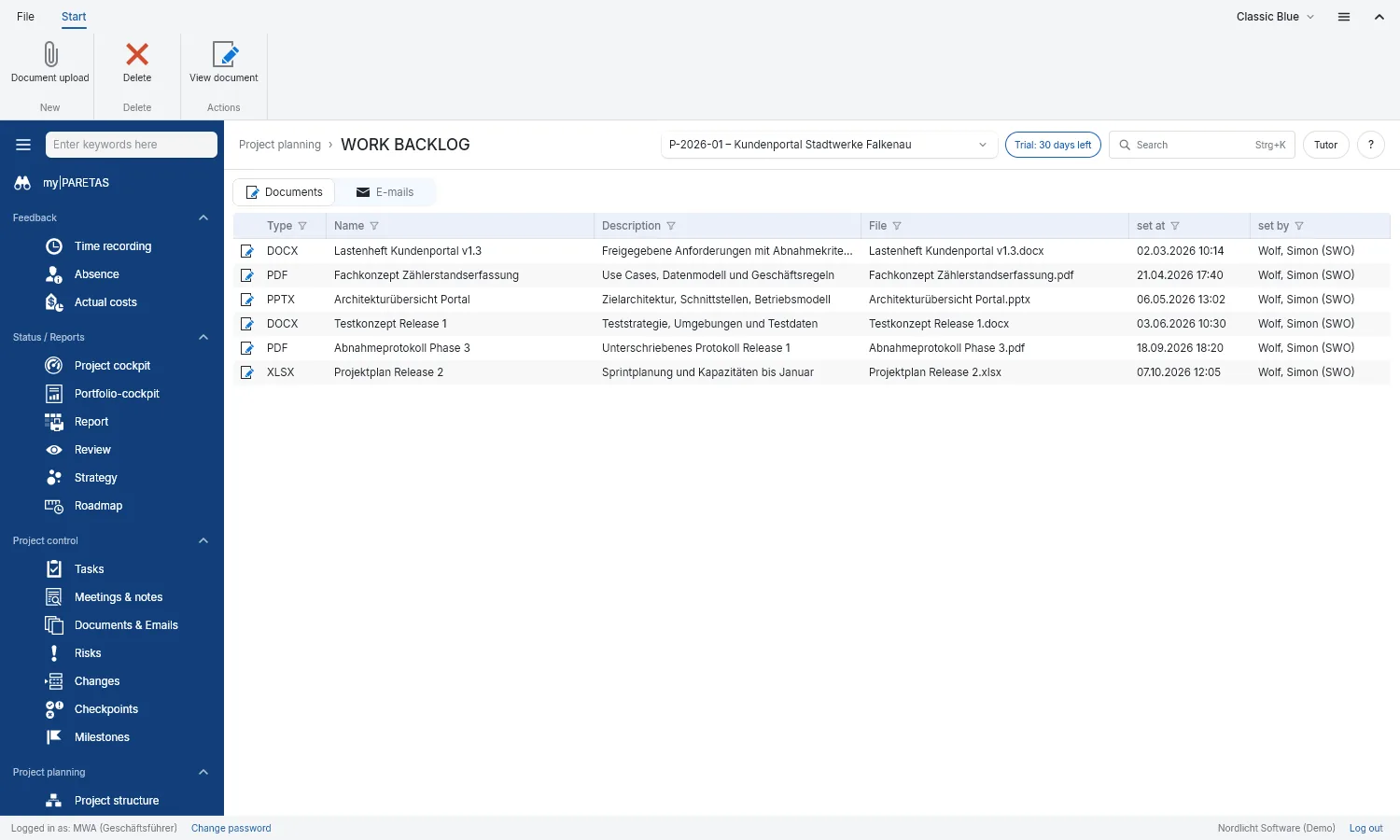
Backlog
The project’s work in hand with all its papers in one place.
02
Steer
Keep the running project on course
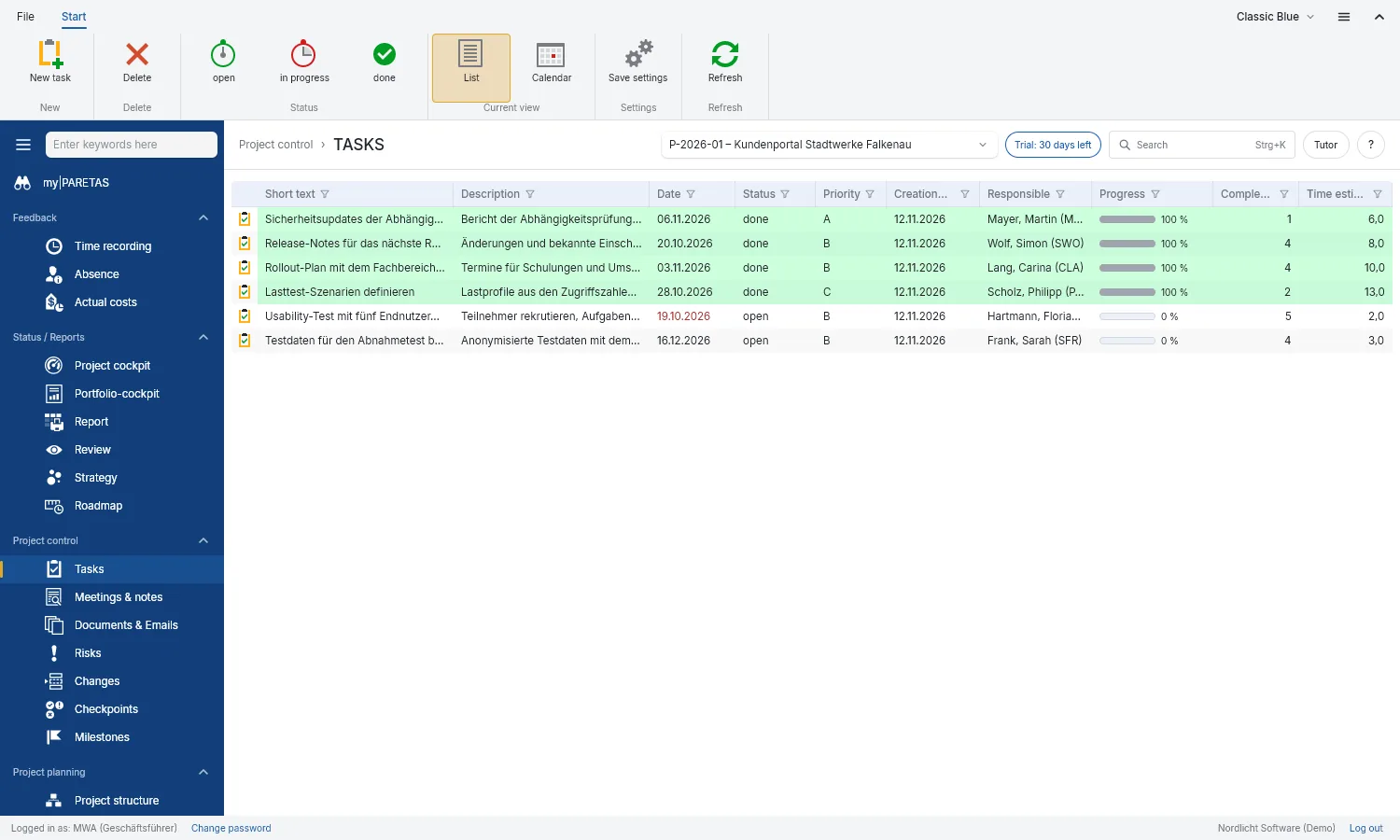
Tasks
Who does what by when, as a list or in the calendar. Anything overdue turns red.
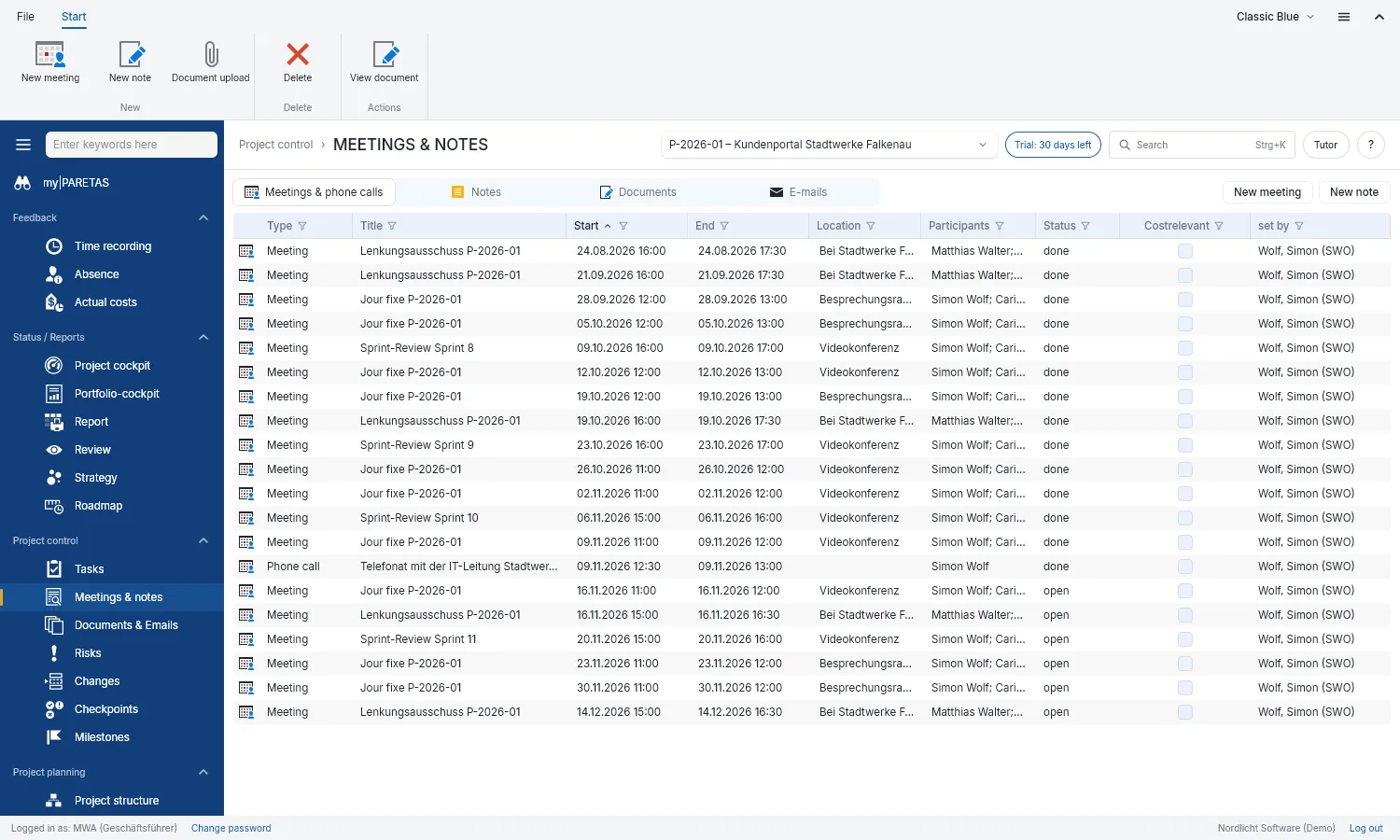
Meetings & notes
Keep track of meetings, calls and notes, with participants and location.
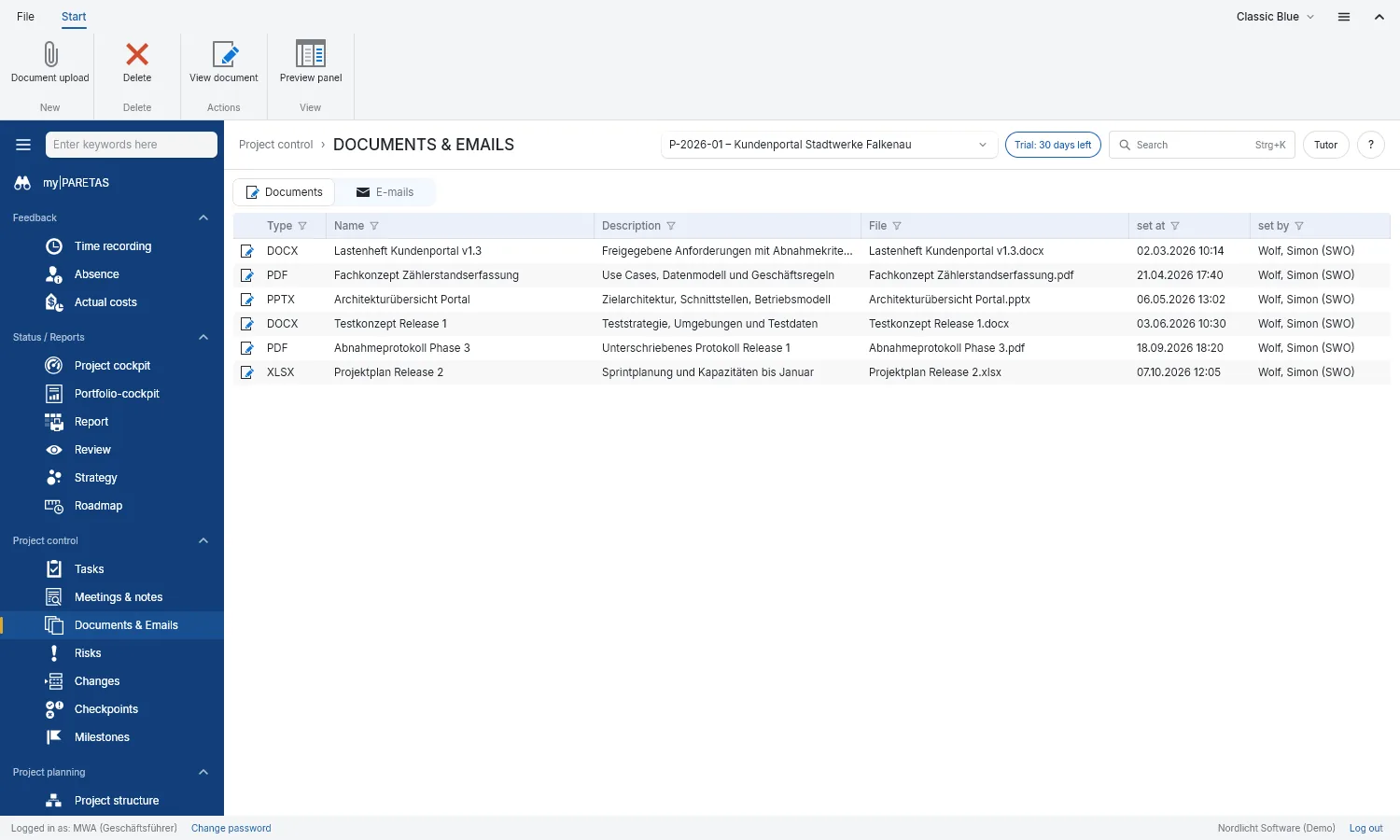
Documents & emails
Files and emails live right with the project, easy for the team to find.
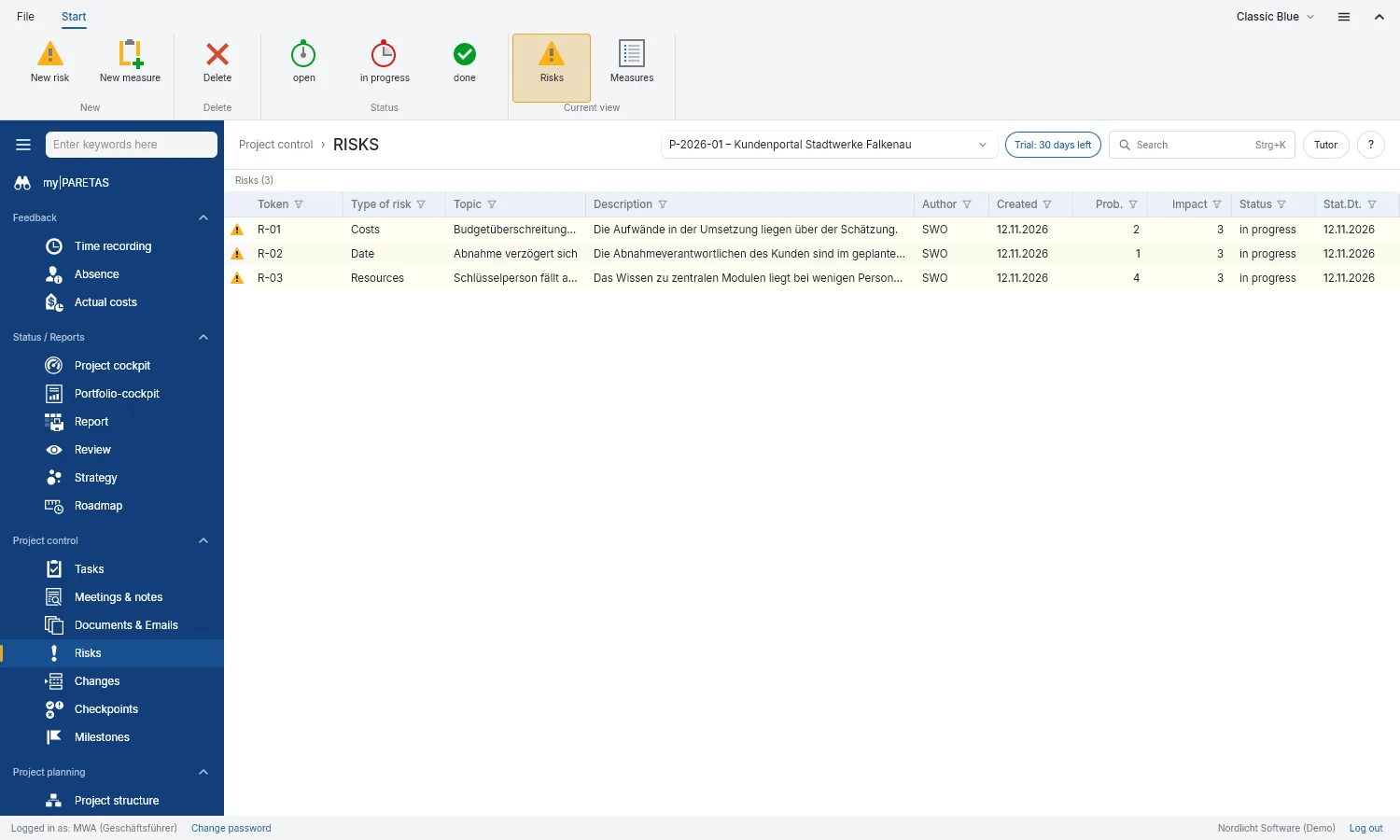
Risks
Rate risks and decide who does something about them, and by when.
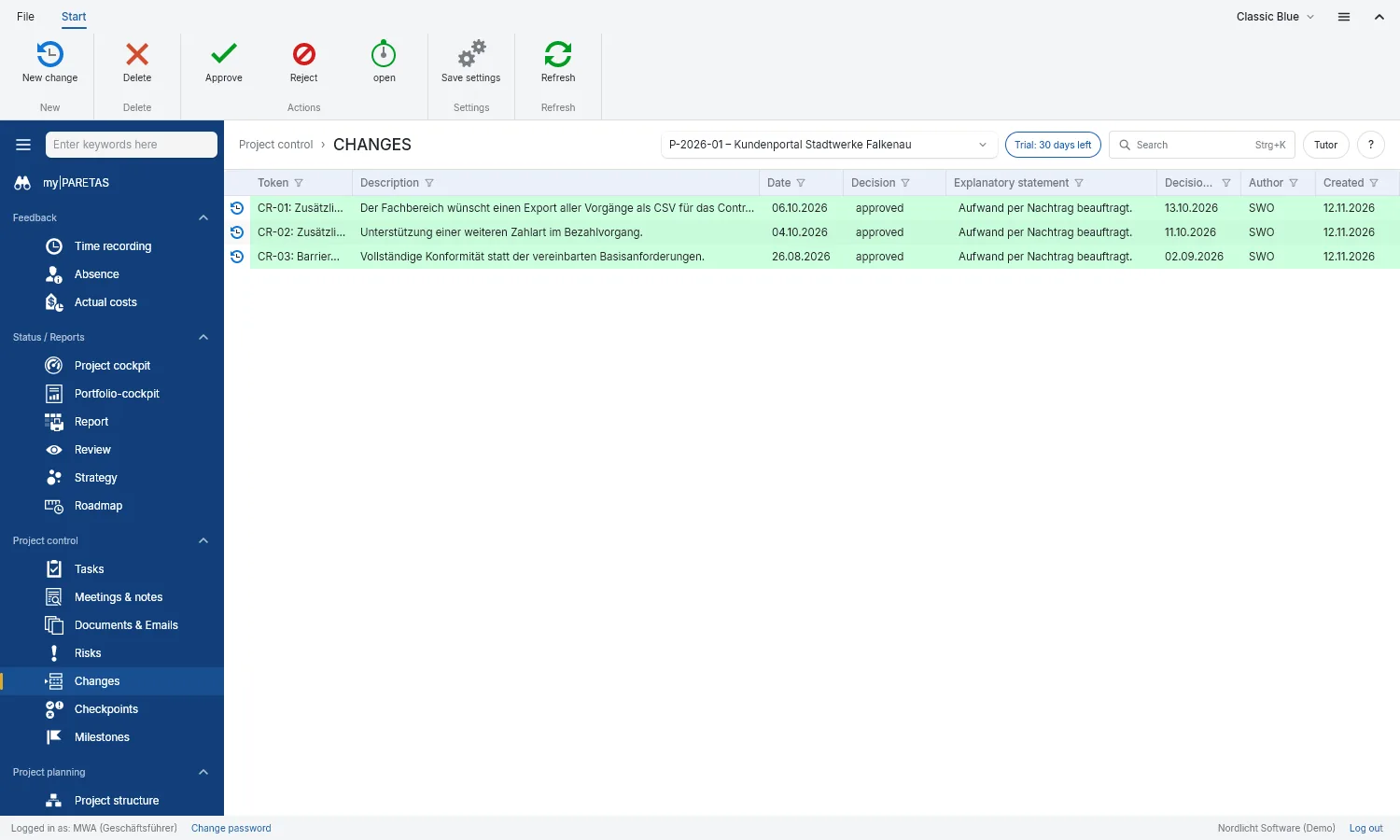
Changes
Record change requests with their reasons and decide on them. Approved is green, rejected is red.
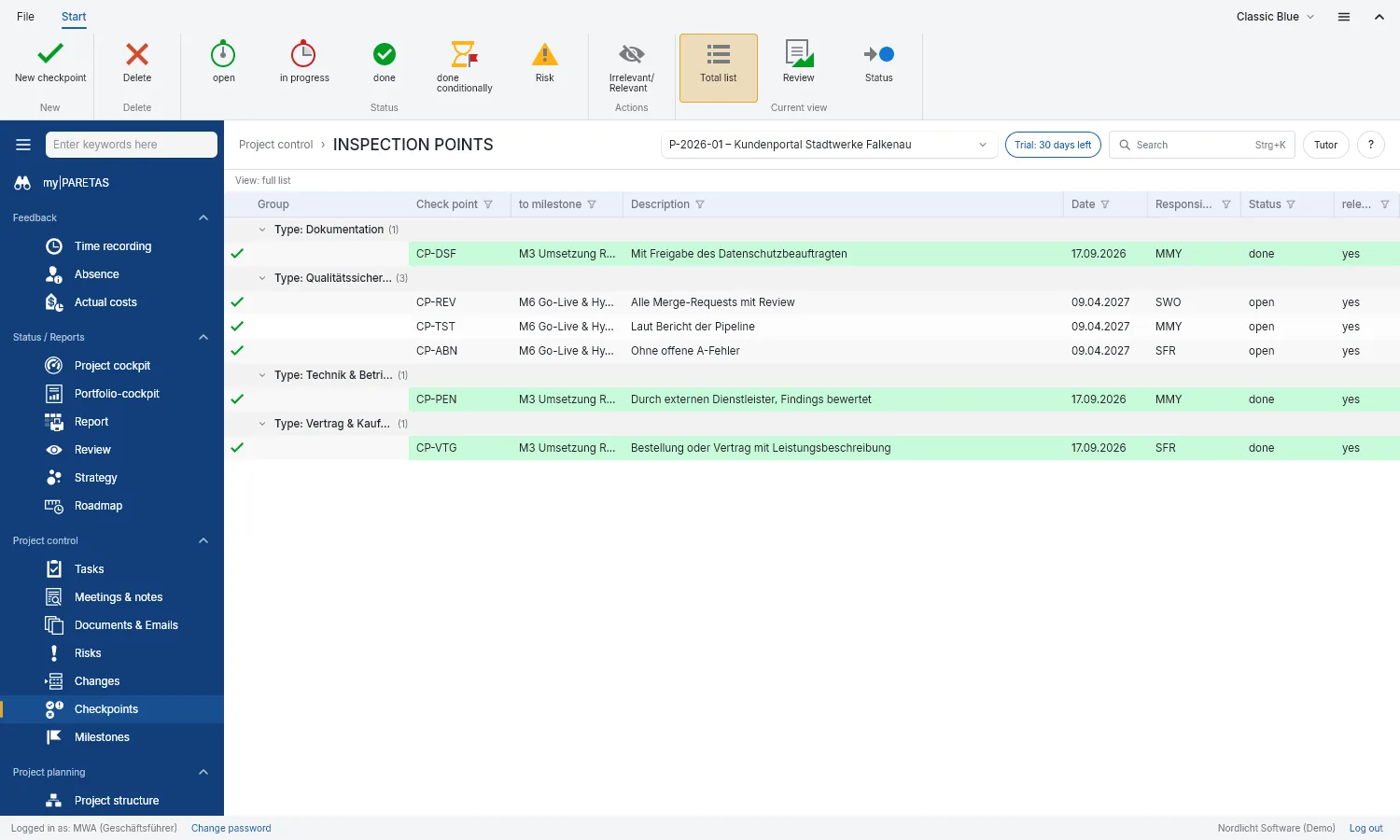
Checkpoints
Define what has to be done by a milestone and see how far along you are.
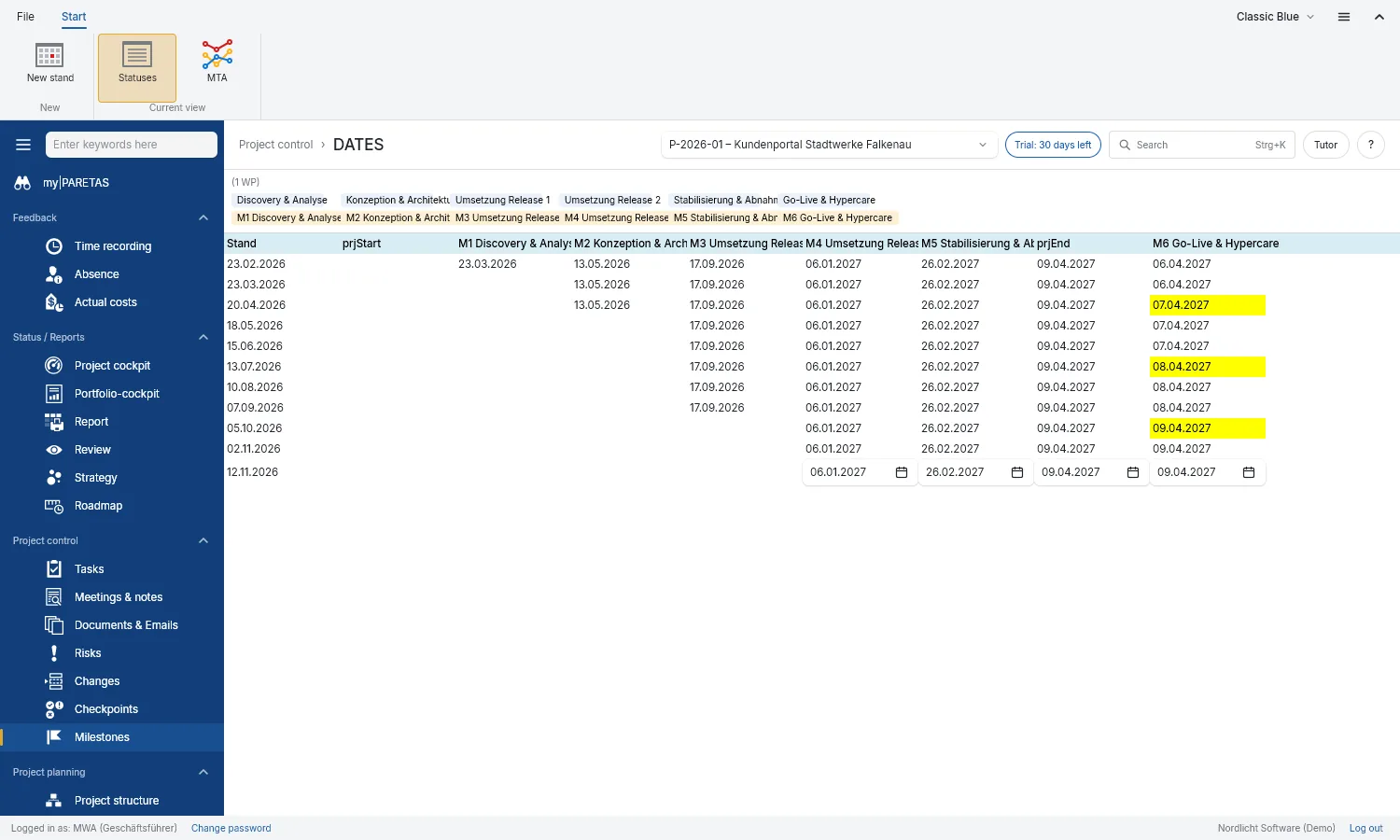
Milestone dates
Regularly note when milestones are due. Slips show up straight away.
03
Report back
Hours, absences and costs arrive right where they were planned
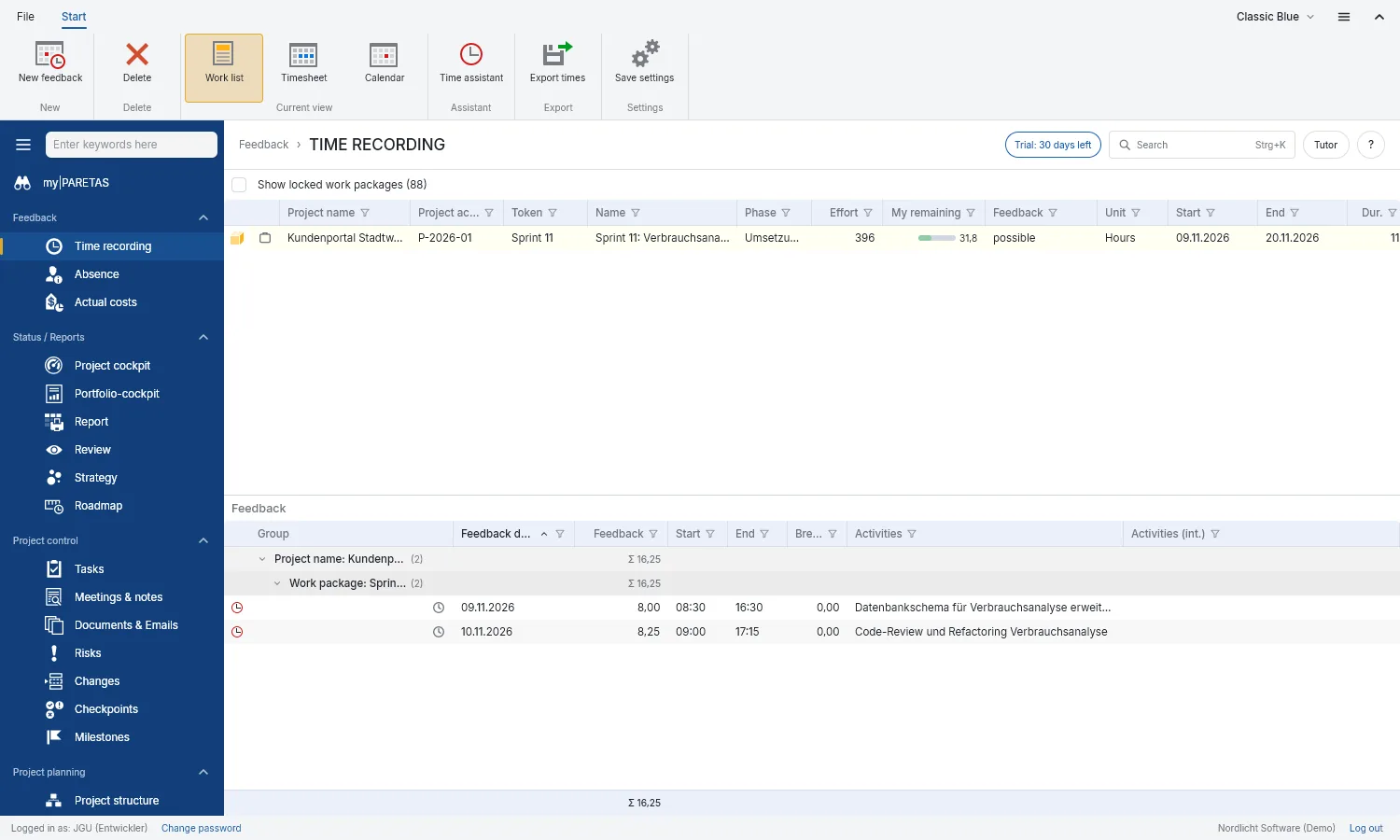
Time tracking
Book hours to work packages. Everyone sees how much is still open for them.
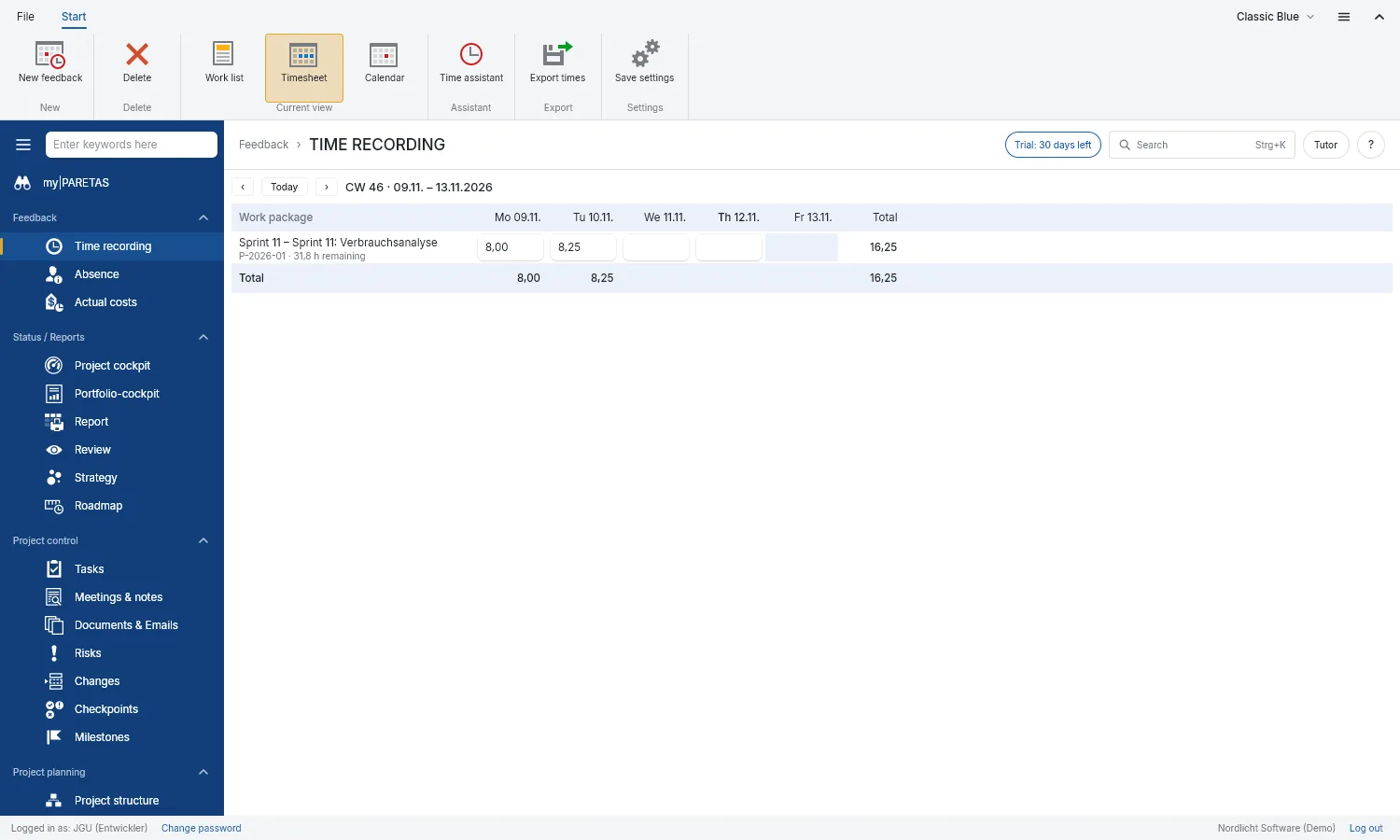
Timesheet
The whole week on one sheet: enter hours per day, PARETAS keeps the totals.
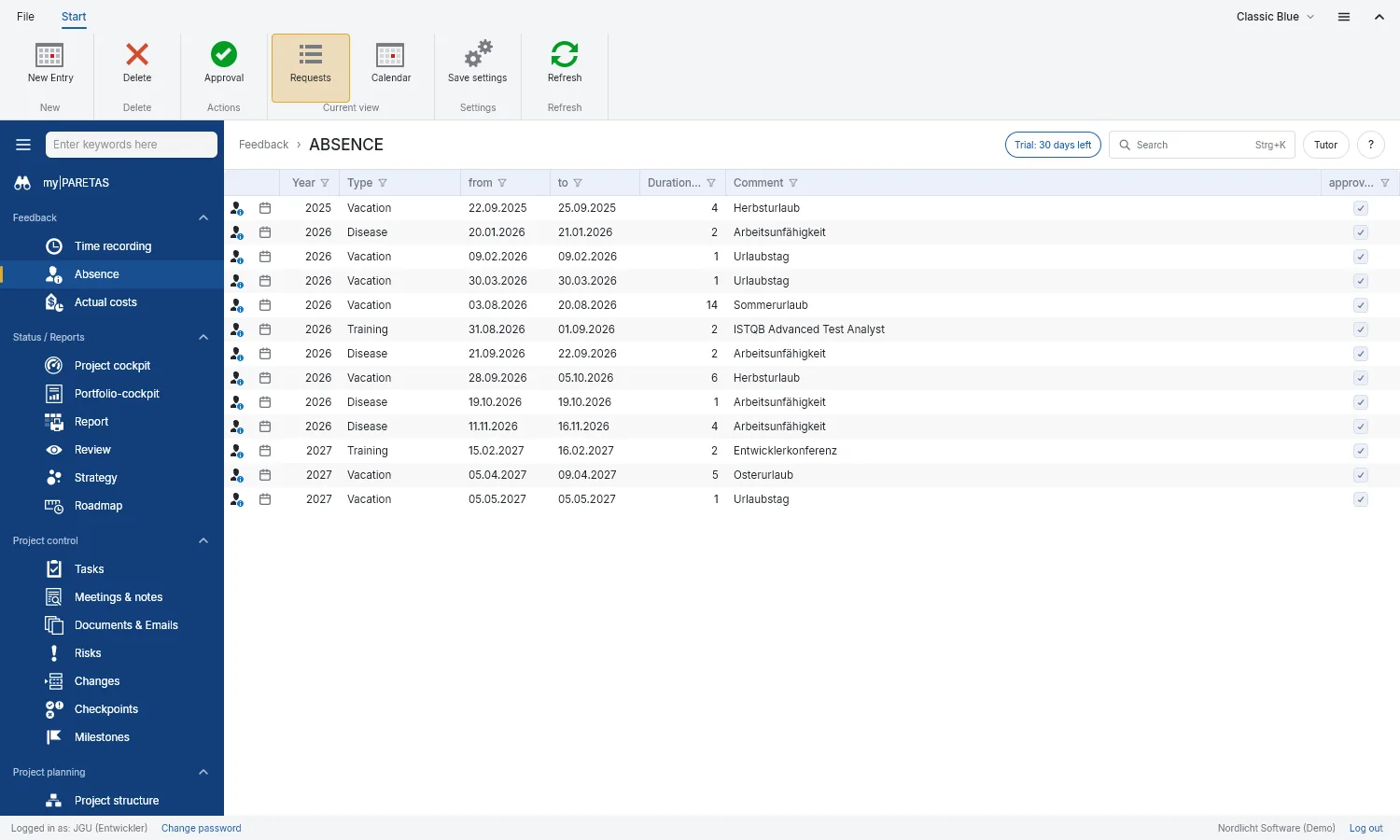
Absence
Request leave, enter sickness and training. Planning knows at once.
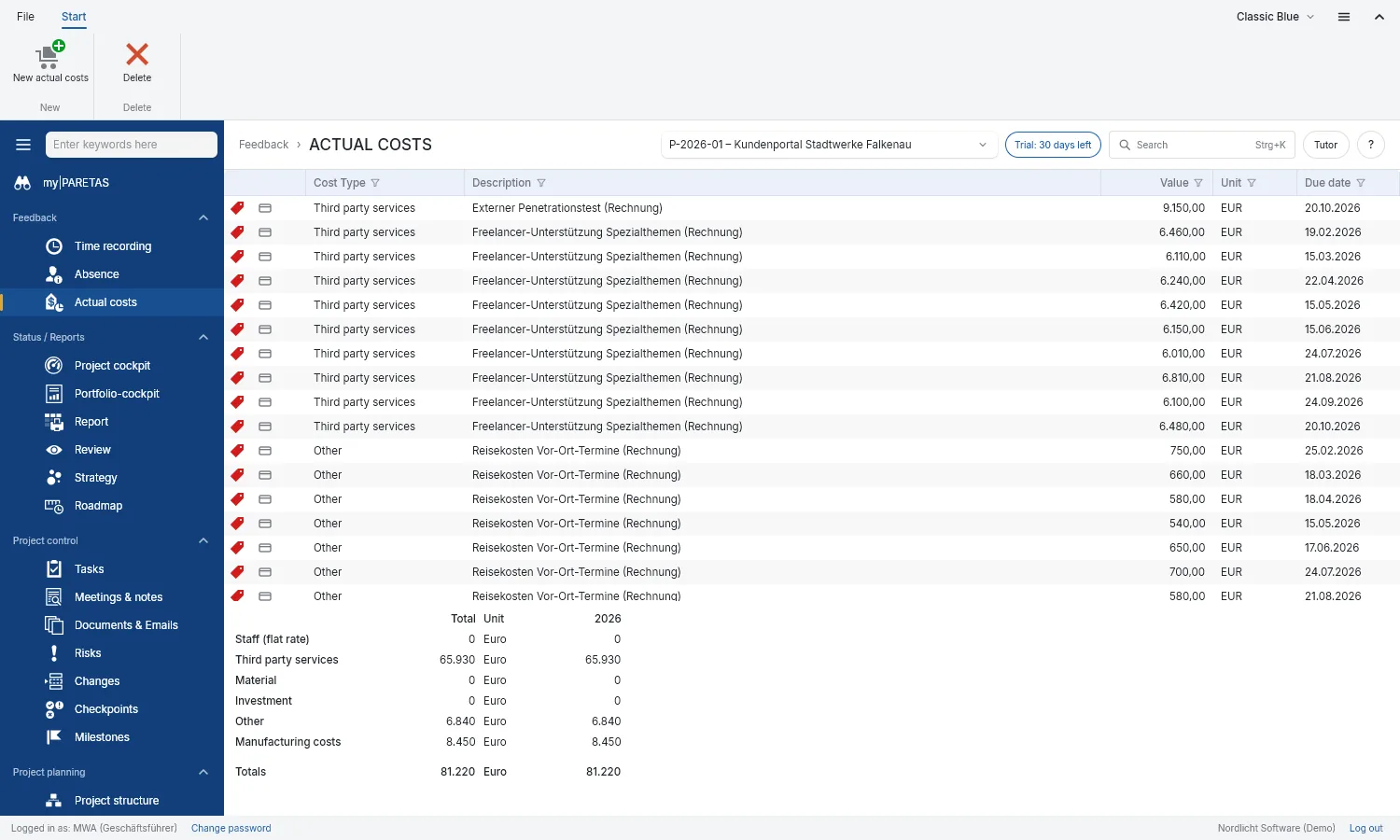
Actual costs
What the project has really cost, by type and year.
04
Review
Know where each project and the whole portfolio stand
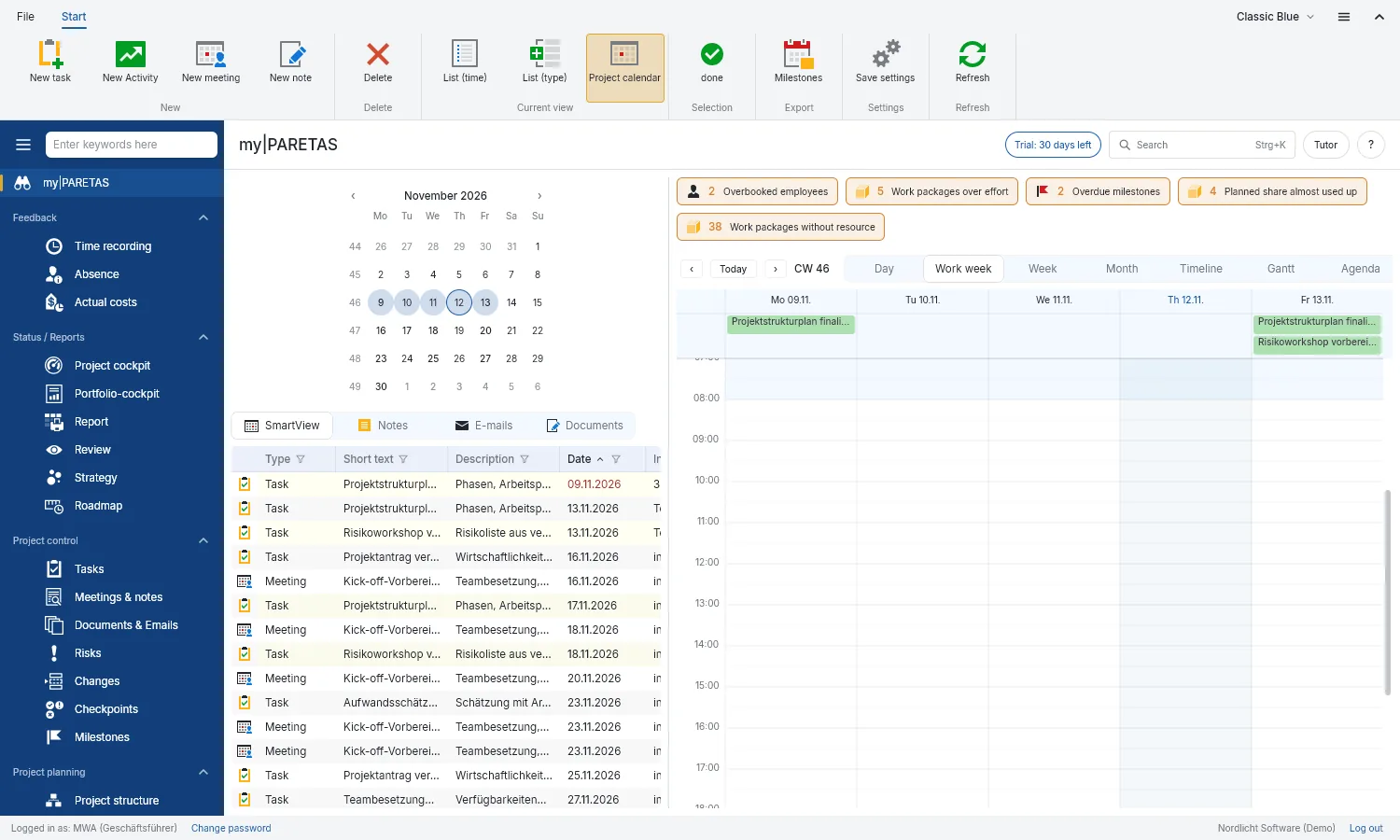
my|PARETAS
Your personal start page: appointments, tasks and meetings from all projects, plus warnings where something needs doing.
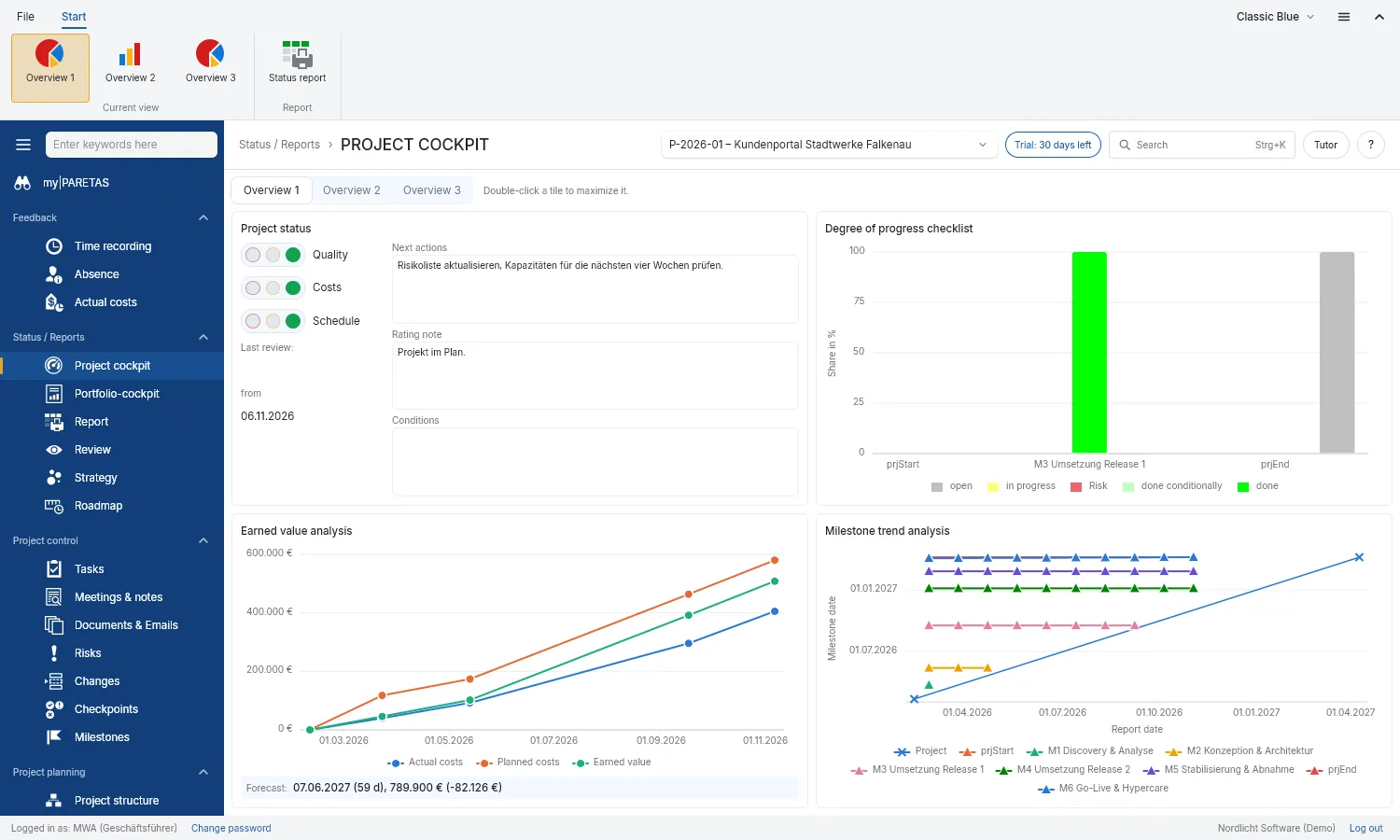
Project cockpit
Traffic lights, progress, costs and dates of one project on a single page. The status report comes out as a PDF at the push of a button.
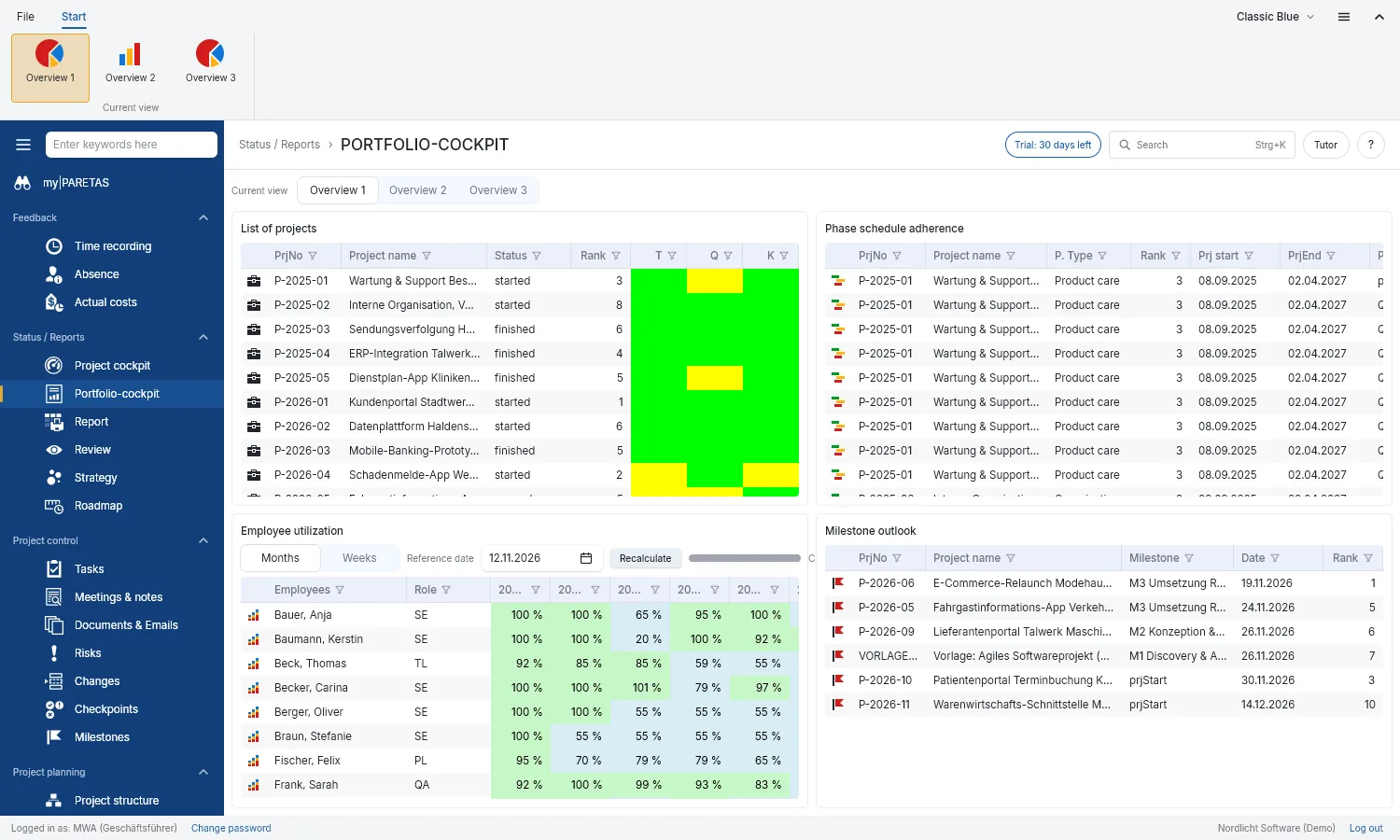
Portfolio cockpit
All projects side by side, and the workload of every employee across all projects.
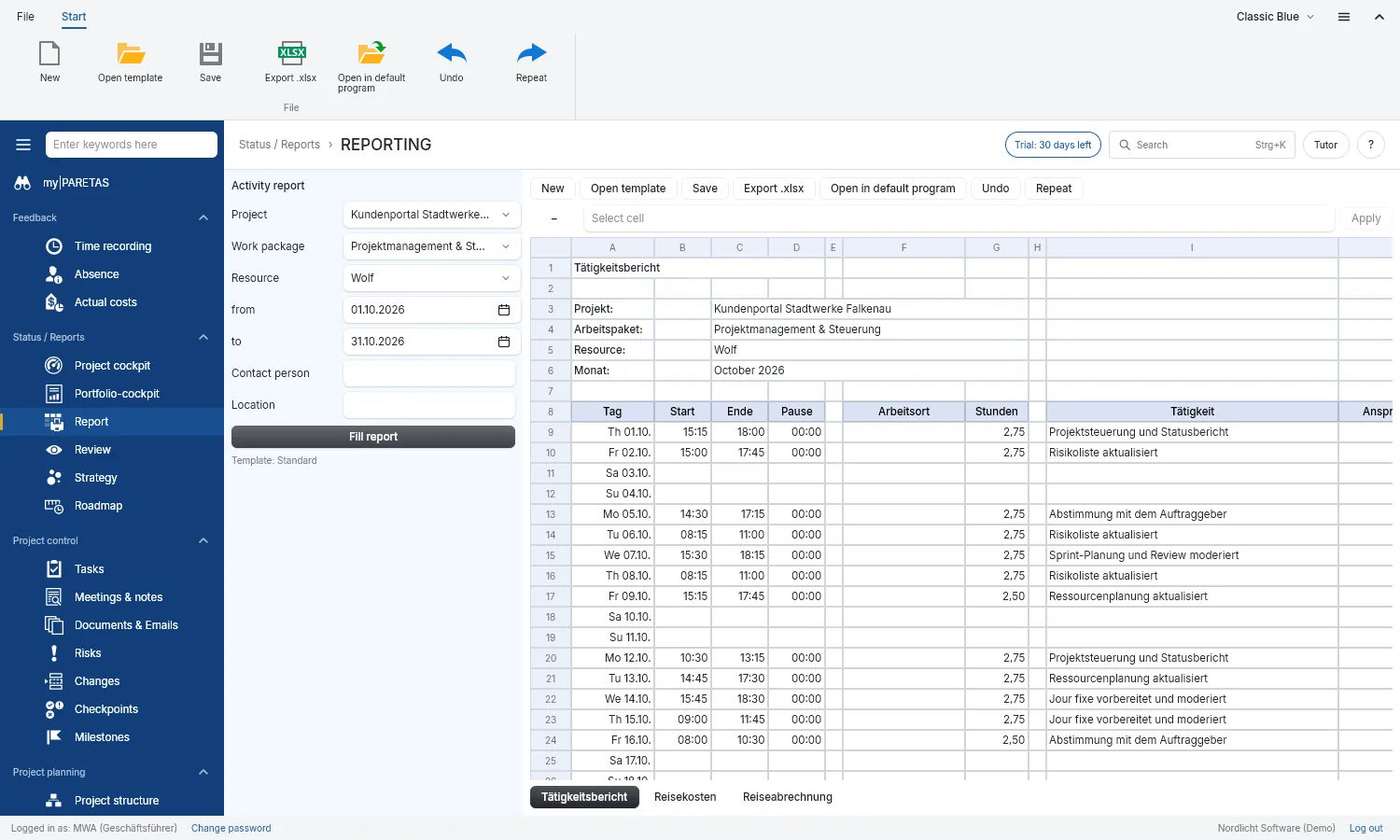
Report
An employee’s monthly activity report, filled in from the hours booked.
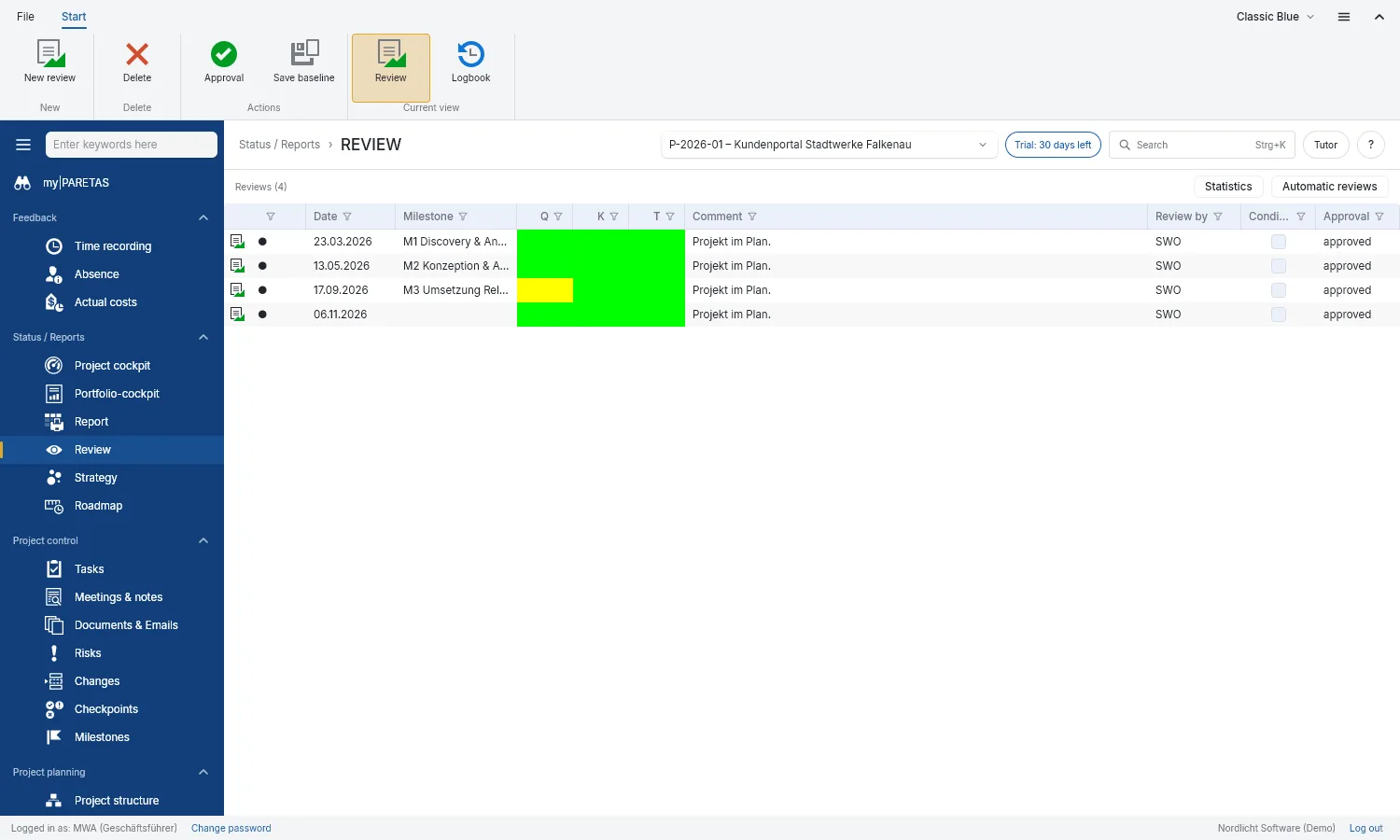
Review
Rate the project at milestones for quality, cost and time, and keep a log book.
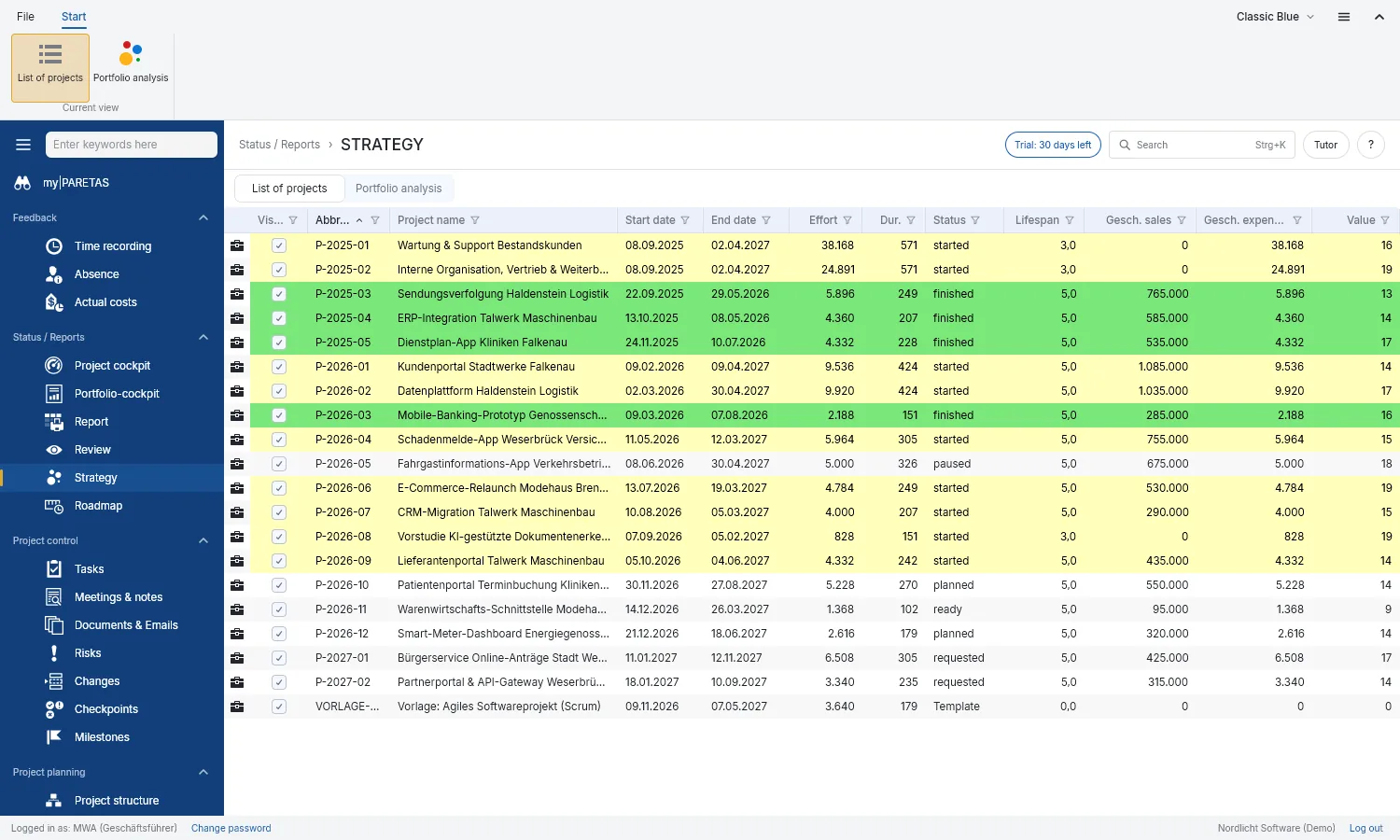
Strategy
Compare project ideas: what brings a lot, what costs a lot?
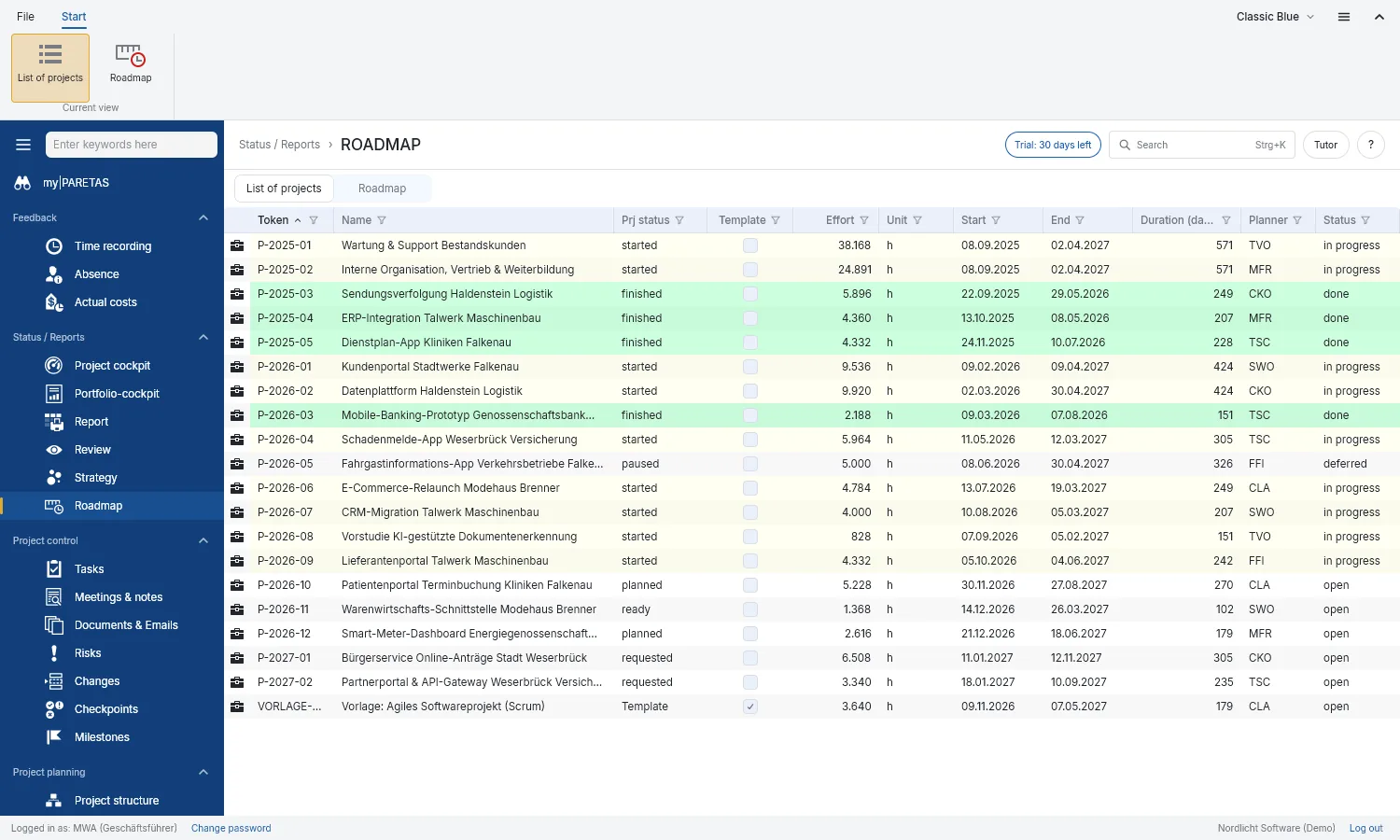
Roadmap
All projects on one timeline, with today in view.
05
Master data
The foundation: people, roles, calendar and organisation
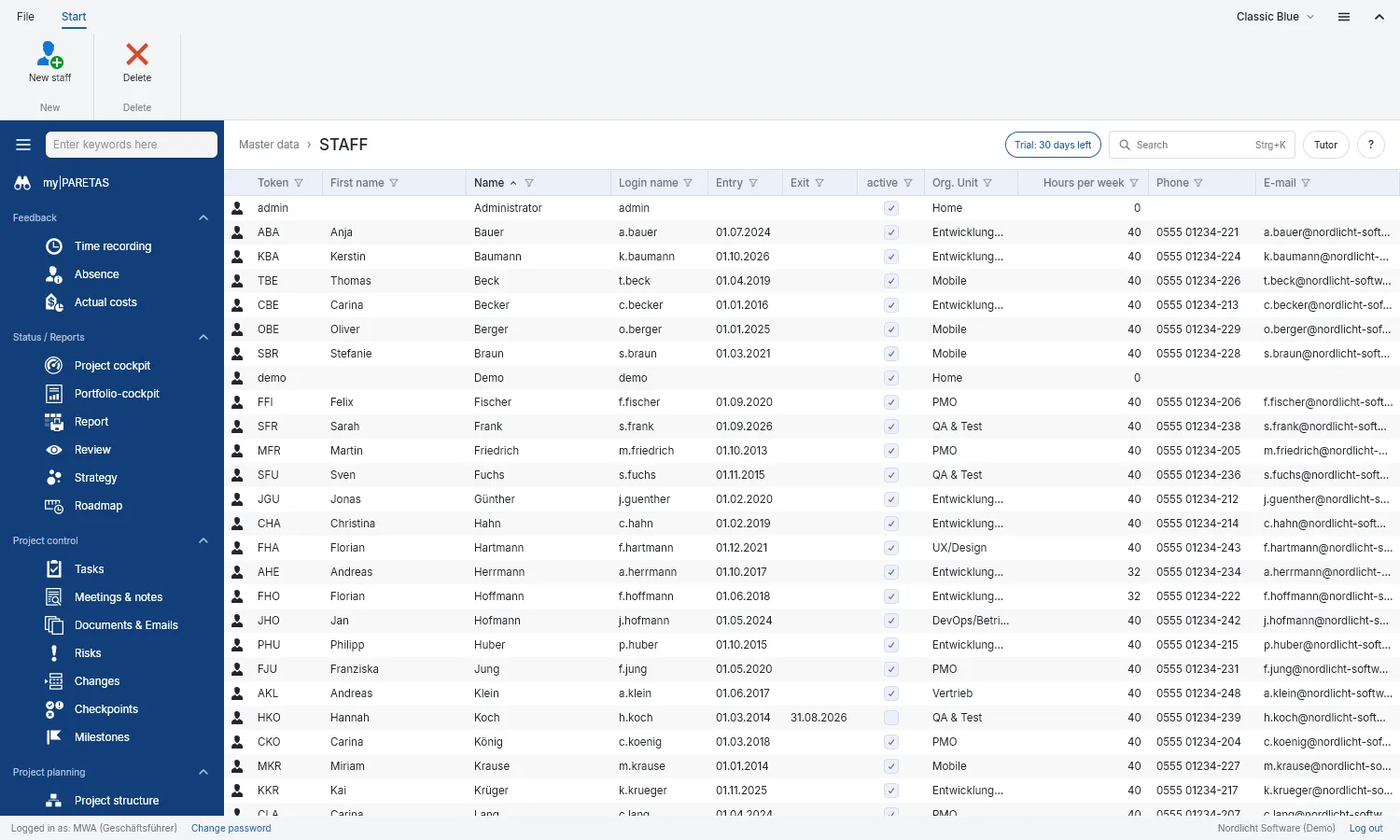
Employees
Who works in the company, in which team, with which skills and how many hours a week.
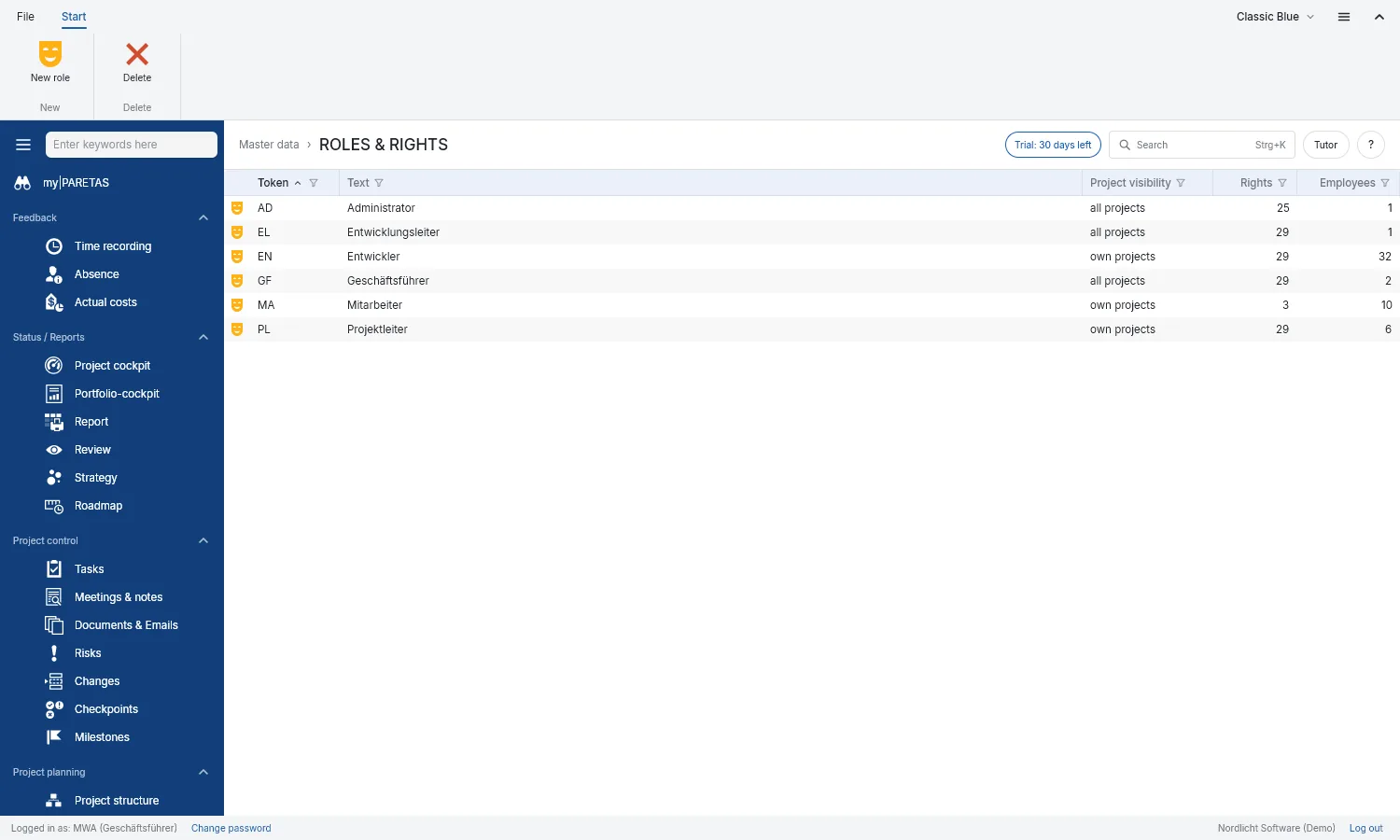
Roles & rights
Decide who may see and change what. Employees can hold several roles.
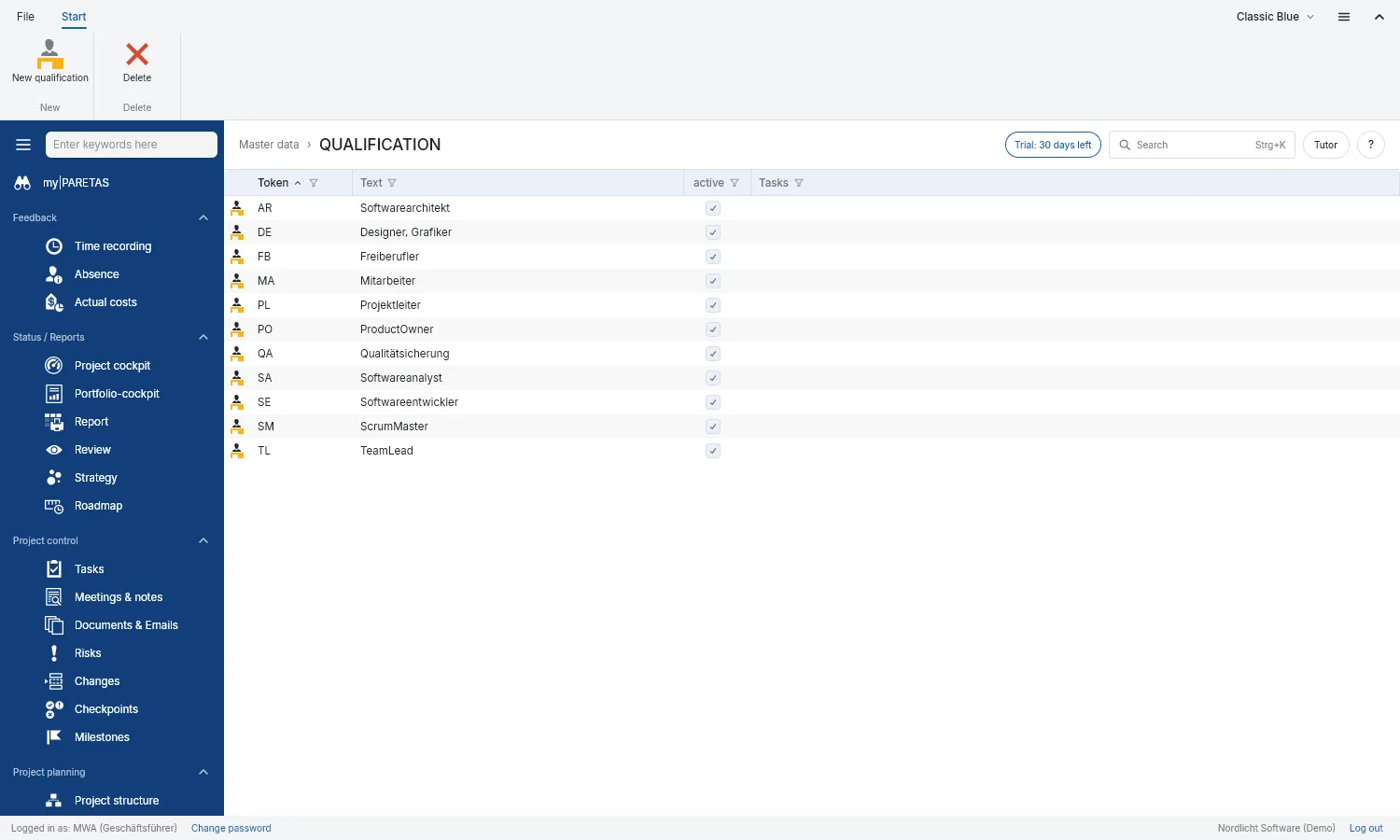
Skills
The skills planning uses to find the right people.
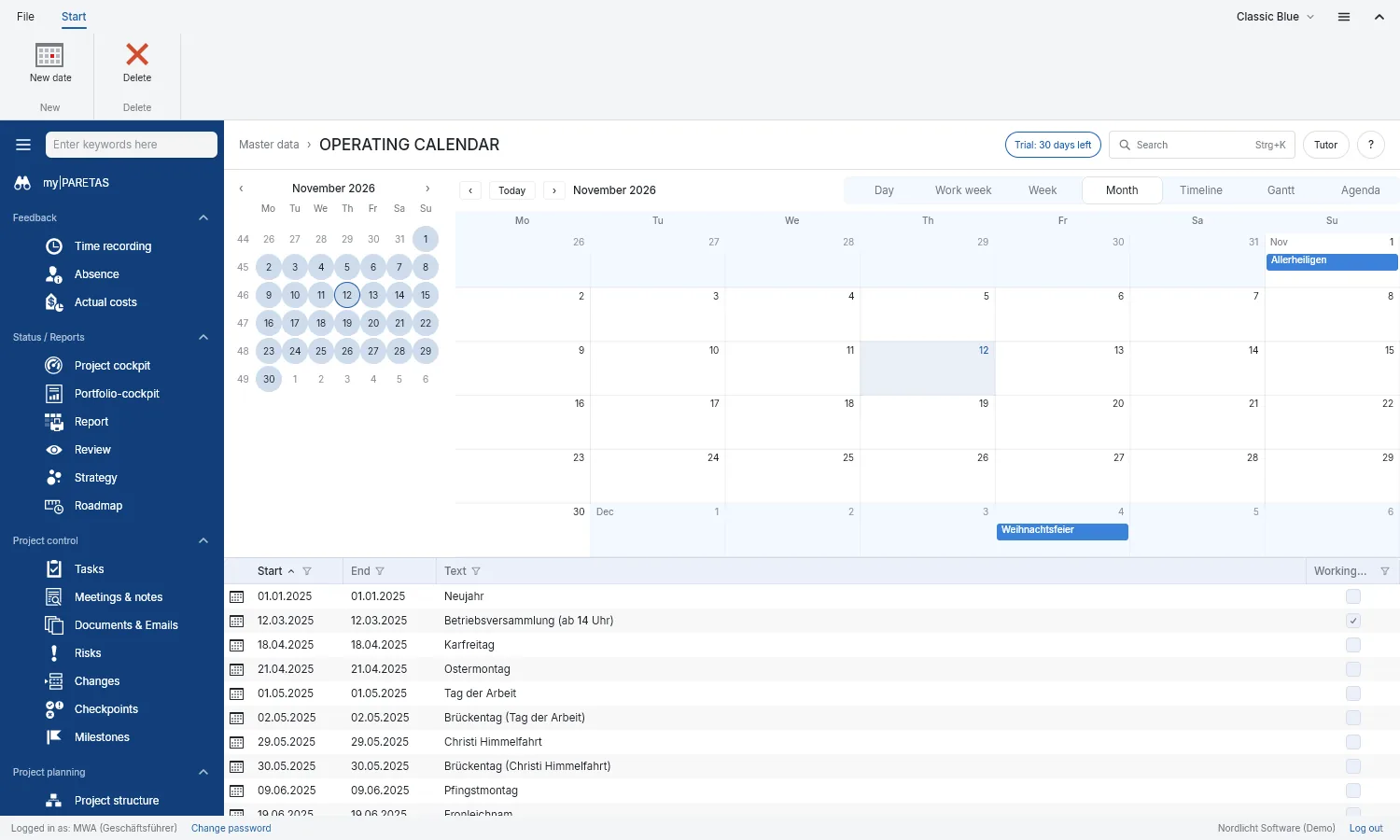
Company calendar
Public holidays, company closures and bridge days for everyone.
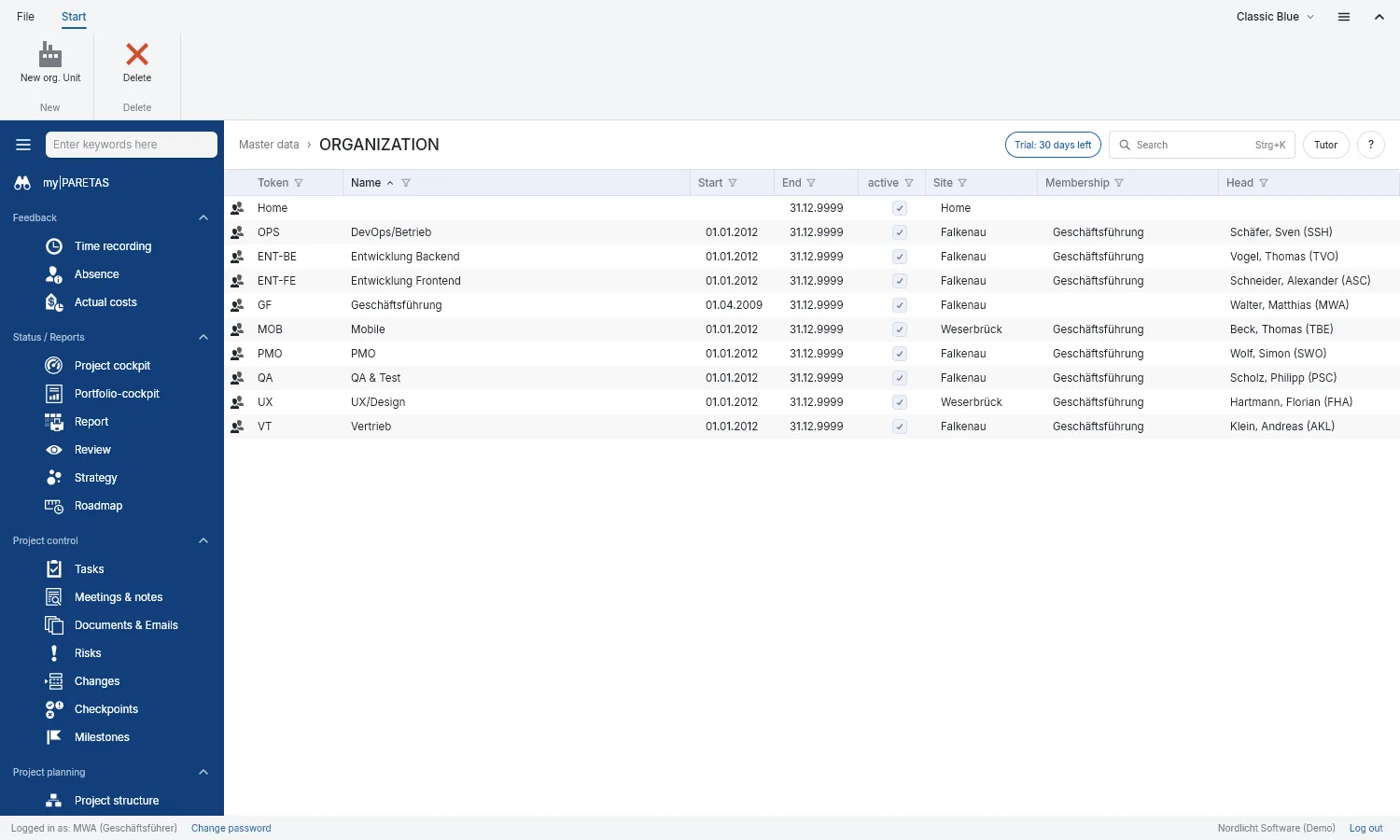
Organisation
Departments and teams with their heads and locations.
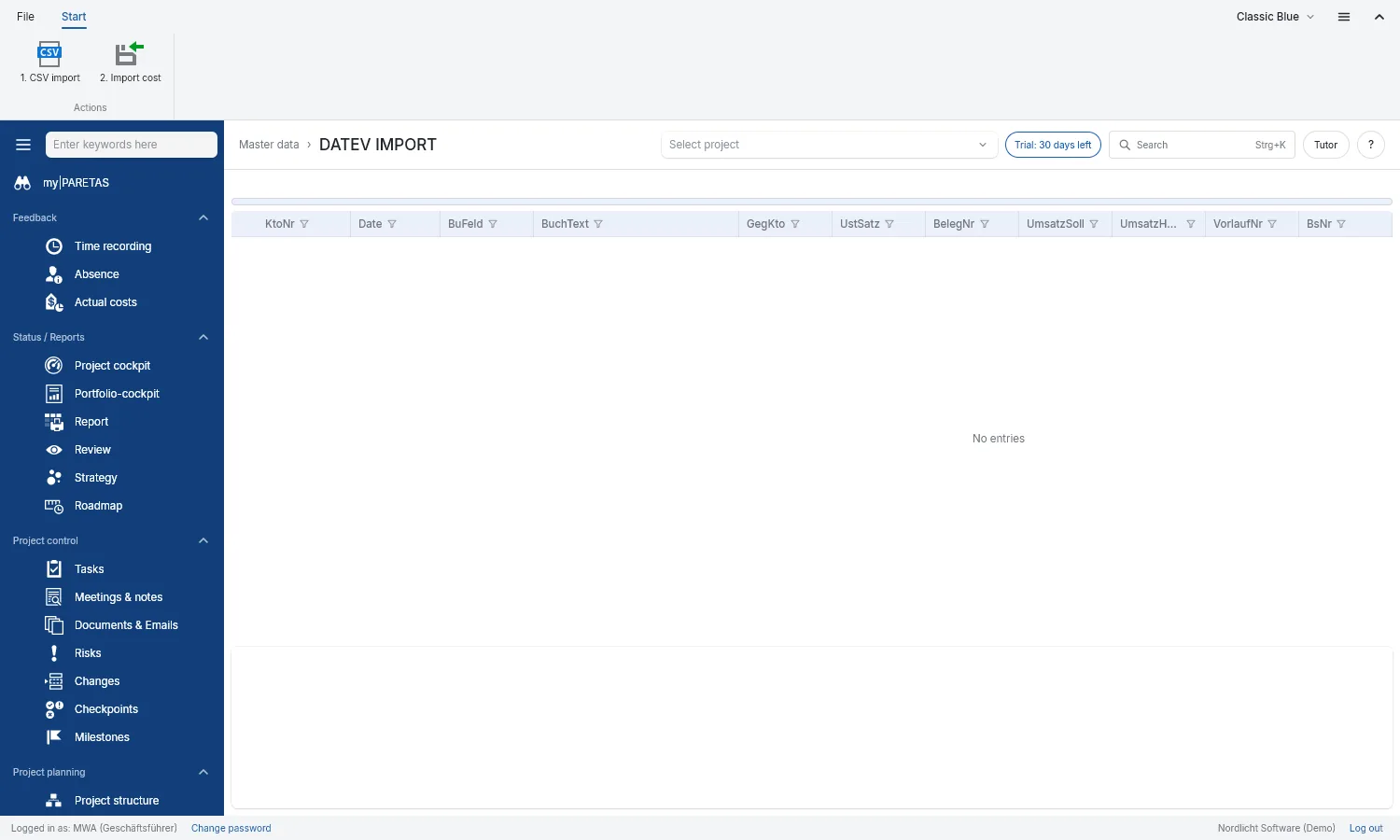
DATEV import
Take costs over from accounting instead of typing them in.
Quick in daily use
What works the same in every view
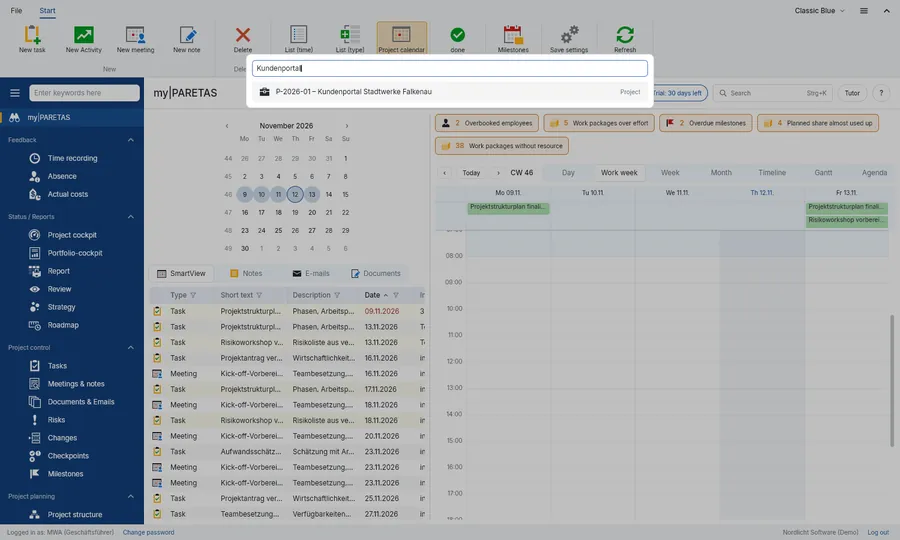
Search
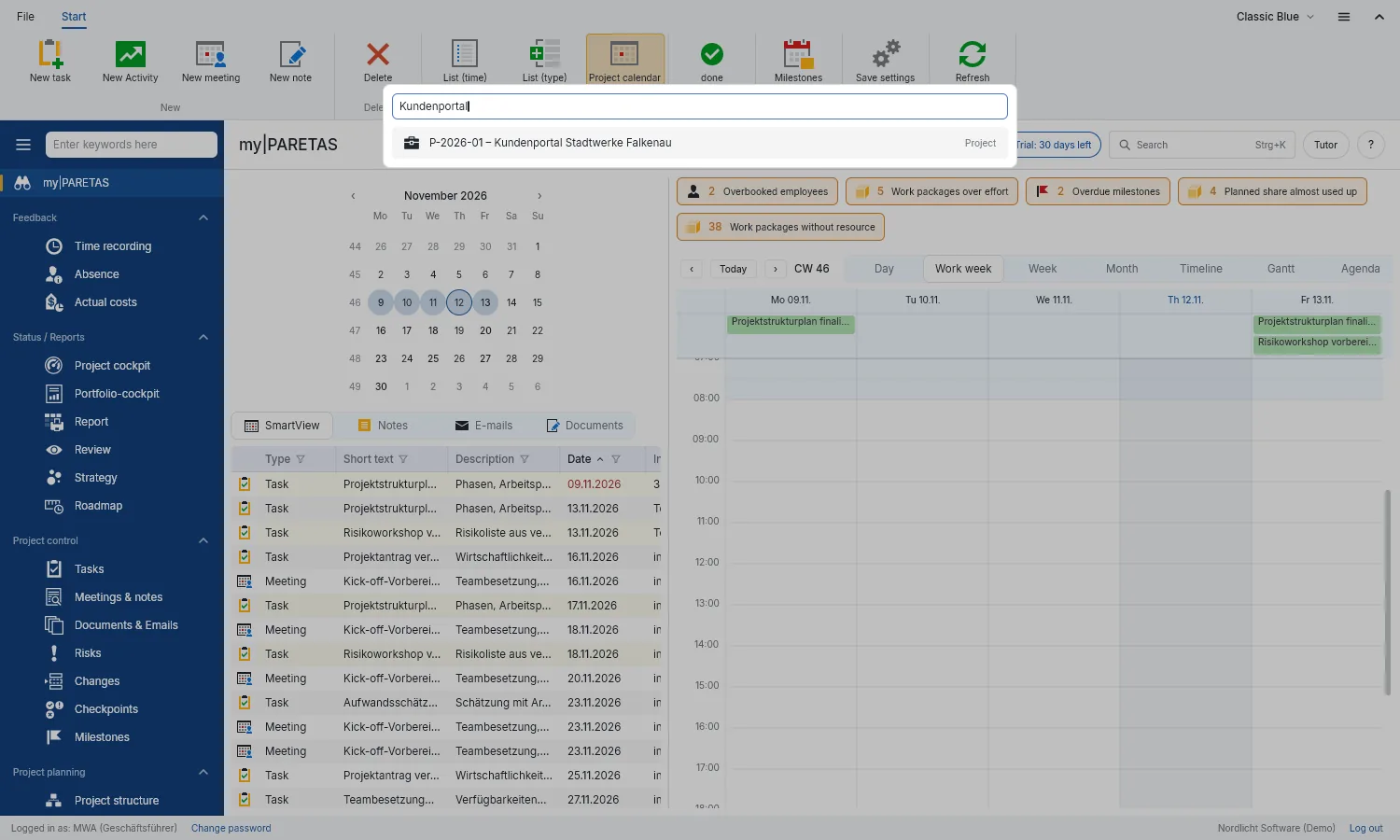
Ctrl+K finds projects, work packages, employees and risks and opens them directly.
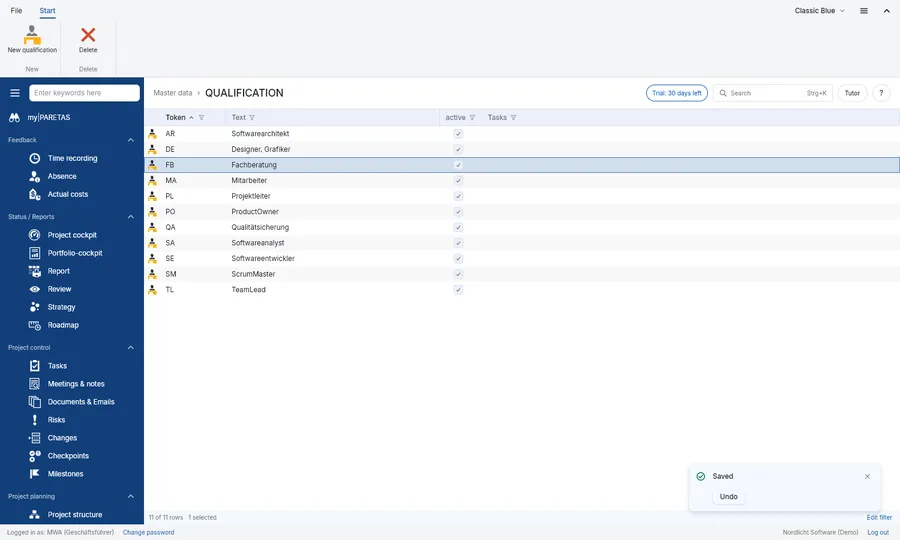
Undo
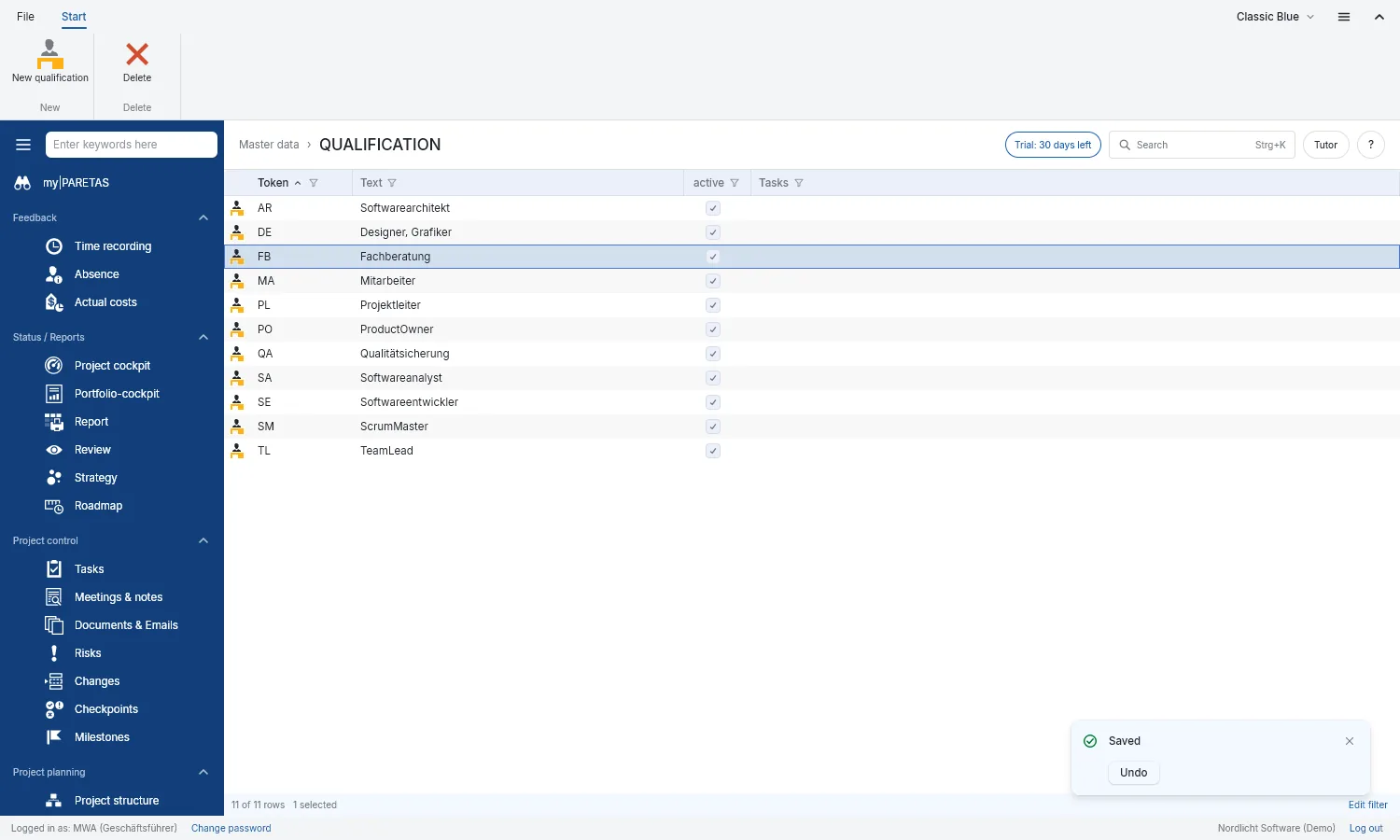
Every save and delete can be taken back straight away.
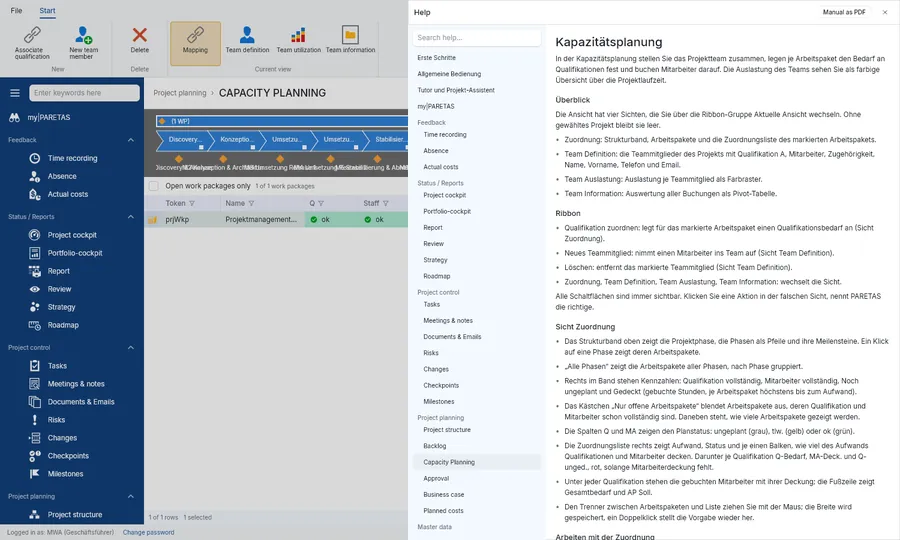
Help with F1
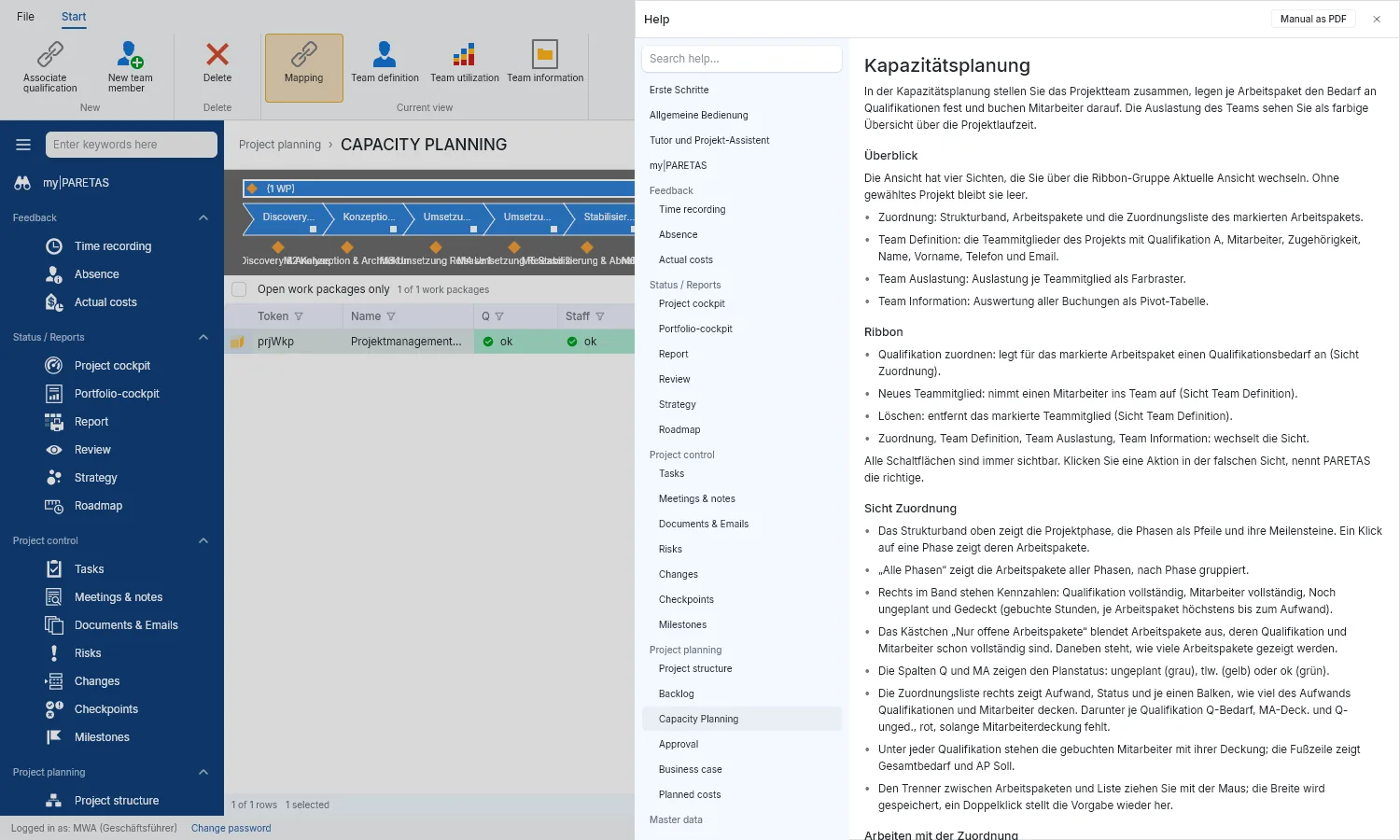
Every view has its own help page.
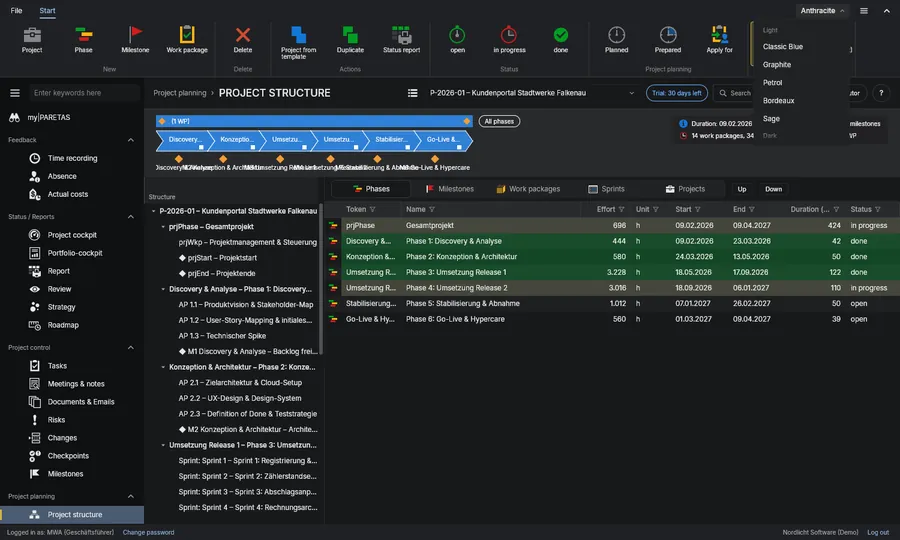
Colour schemes
Five light and five dark to choose from.
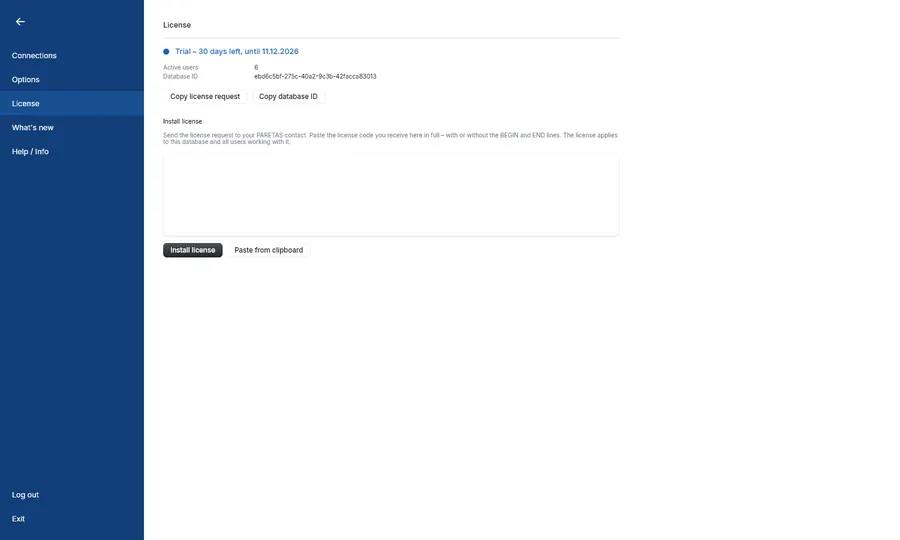
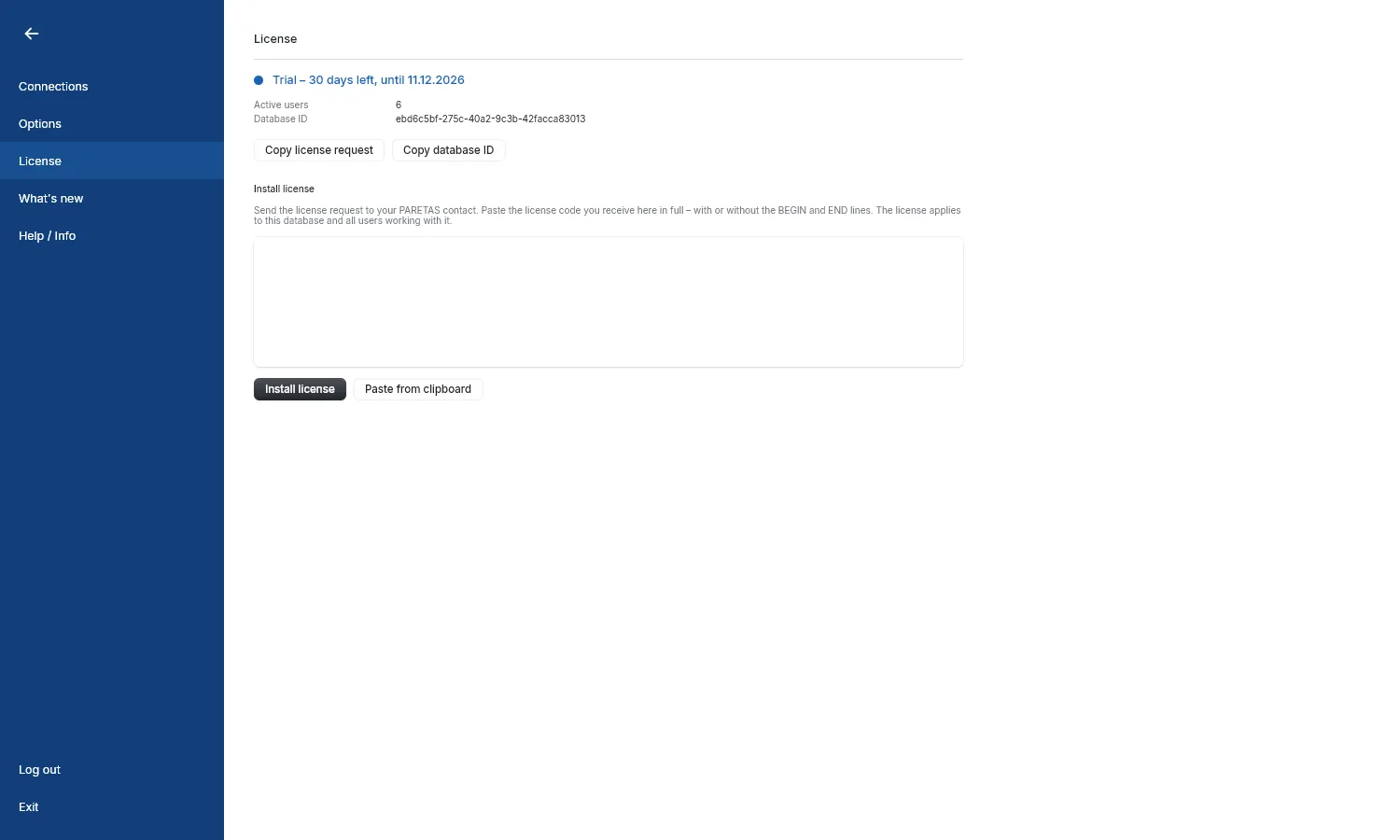
Trial and licence
Try everything for 30 days, then simply carry on with a licence.
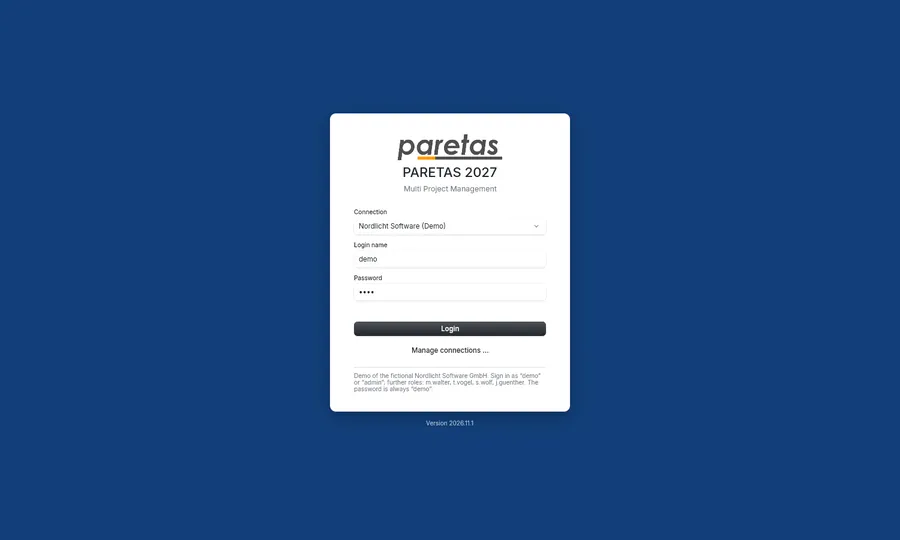
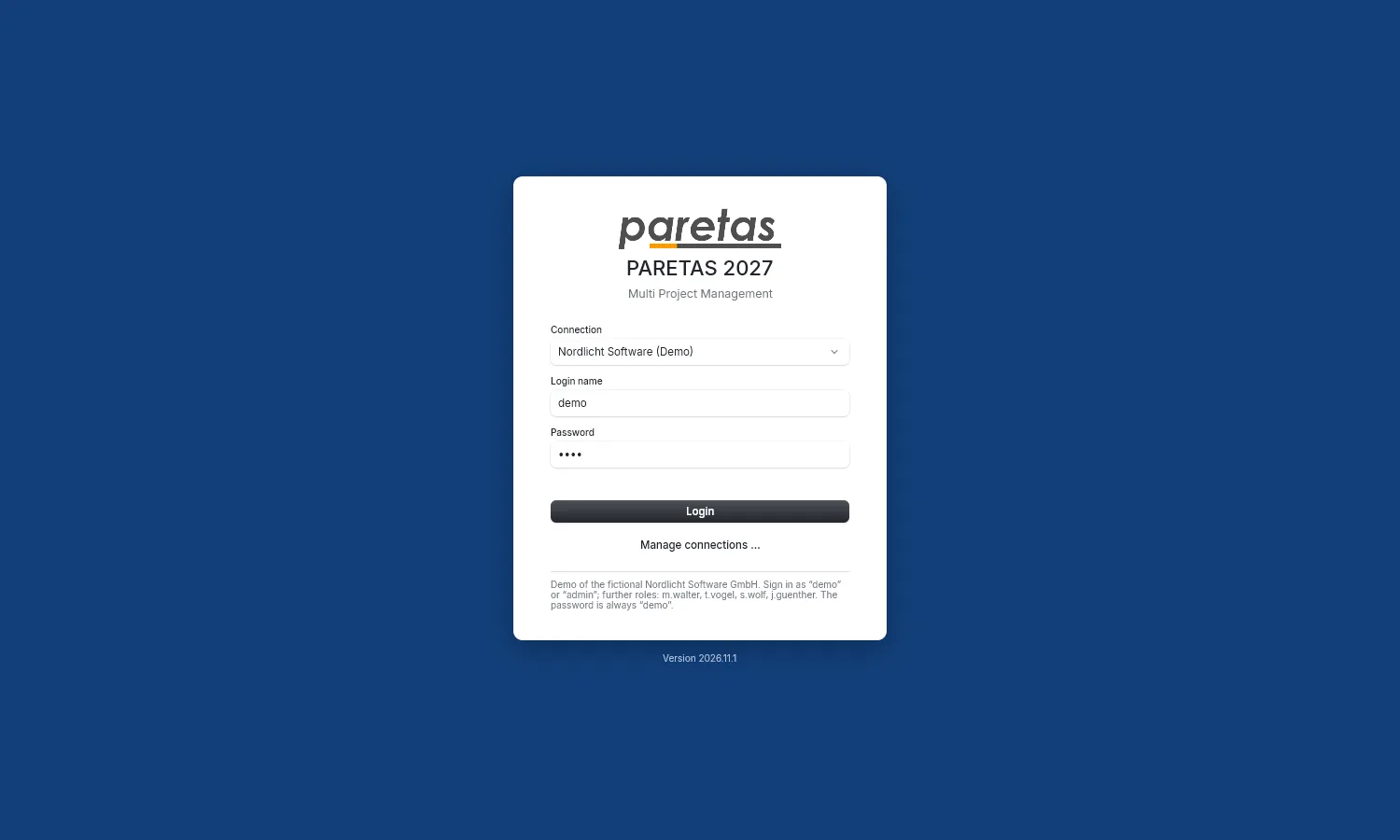
Sample company
One click at sign-in opens a made-up company with 50 employees and 20 projects.
Releases
What arrived in which version. You find the same list in the program under File › What’s new
- Coming next
New
- Roles & rights: create roles, give each role its rights and assign employees further roles besides their main one.
- Tutor: guides you step by step through the project cycle, capacity planning and time feedback and says why something is not possible yet.
- Project wizard: sets up project, phases, milestones, work packages, team and proposal in one go.
- What’s new: after an update PARETAS shows once what has changed; you can read it again under File › What’s new.
- Updates: PARETAS tells you about new versions at start-up and updates itself with one click if you want.
- 2026.11.1
New
- First version of PARETAS 2027, the successor to PARETAS 2.10, with your existing data carried over.
- Project planning: project structure with timeline, capacity planning with workload, approval, business case, planned costs and backlog.
- Project control: tasks, meetings & notes, documents & emails, risks, changes, checkpoints and milestone dates.
- Feedback: time tracking with timesheet, absences and actual costs.
- Reporting: project and portfolio cockpit, report, review, strategy and roadmap, status report as PDF.
- Search with Ctrl+K, undo after saving and deleting, favourites and recently selected projects.
- Warnings on my|PARETAS, help with F1 and user manual as PDF.
- Sample company Nordlicht Software GmbH to try things out.
- 30-day trial.
- Five light and five dark colour schemes, interface in German and English.
Improved
- Locked work packages show the reason and who can release them when booking time.
Take 30 days to try it
Download, install and start with the sample company. Add your own projects whenever you like